SarahVerified purchase
Two months in, still looks new
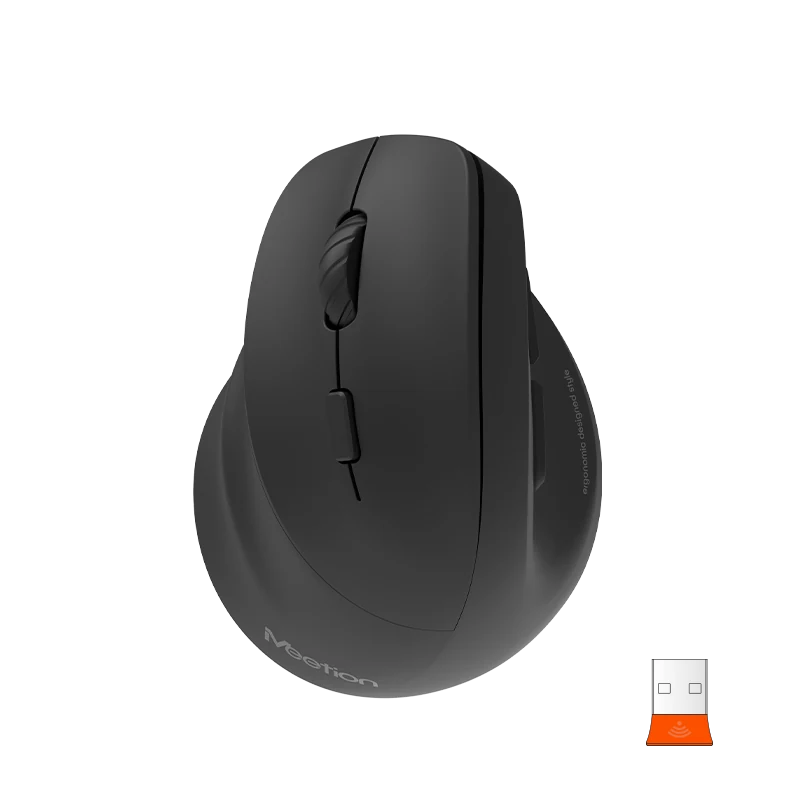
The matte surface does not collect fingerprints the way glossy shells do, and there is no shine where my palm rests. It still looks like it came out of the box.
$29
Save 5% with a promo code.
Details
Ergonomic mouse 60° for left hand ABS Plastic, 112*83*70mm Bluetooth + 2.4G wireless/ rechargeable/ RGB backlight 6+1 Buttons/ Max.2400DPI Silent Switch Gift box: 100*74*132mm
Color: Purple
In stock
Based on 5 reviews
Showing 1–5 of 5 reviews
The matte surface does not collect fingerprints the way glossy shells do, and there is no shine where my palm rests. It still looks like it came out of the box.
My partner works nights and sleeps in the next room. Late document editing used to wake her up. That problem is completely gone and the tracking is just as good as before.
Squeeze it hard and nothing moves. The side buttons have a firm, deliberate click instead of the plastic rattle I have had from cheaper mice.
Used the first at the office for a month, then ordered another so I would stop carrying it back and forth. Same feel, same reliability.
I do a lot of fine selection work in design software, and this holds a single pixel without overshooting. Coming from a cheaper mouse the difference was immediately obvious.
Reviews are limited to verified buyers. Sign in with the email you ordered with and submit from your order page.
Everything in this setup ships together from the same series.
4 items · $165.14
Need help with this product?
Submit an after-sales request with your order details, or browse manuals, software and setup videos.
It connects via 2.4 GHz Wireless / Bluetooth.
Download the BTM010L Ergonomic Wireless Mouse user manual. The page lists the languages and file size.
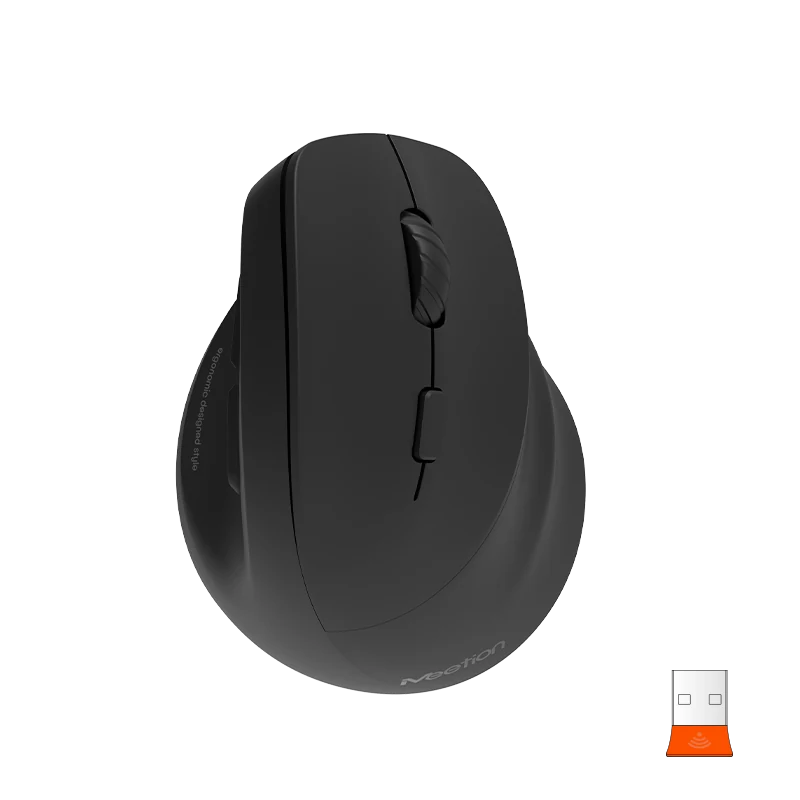
BTM010R
Ergo Wireless Mouse
From $29
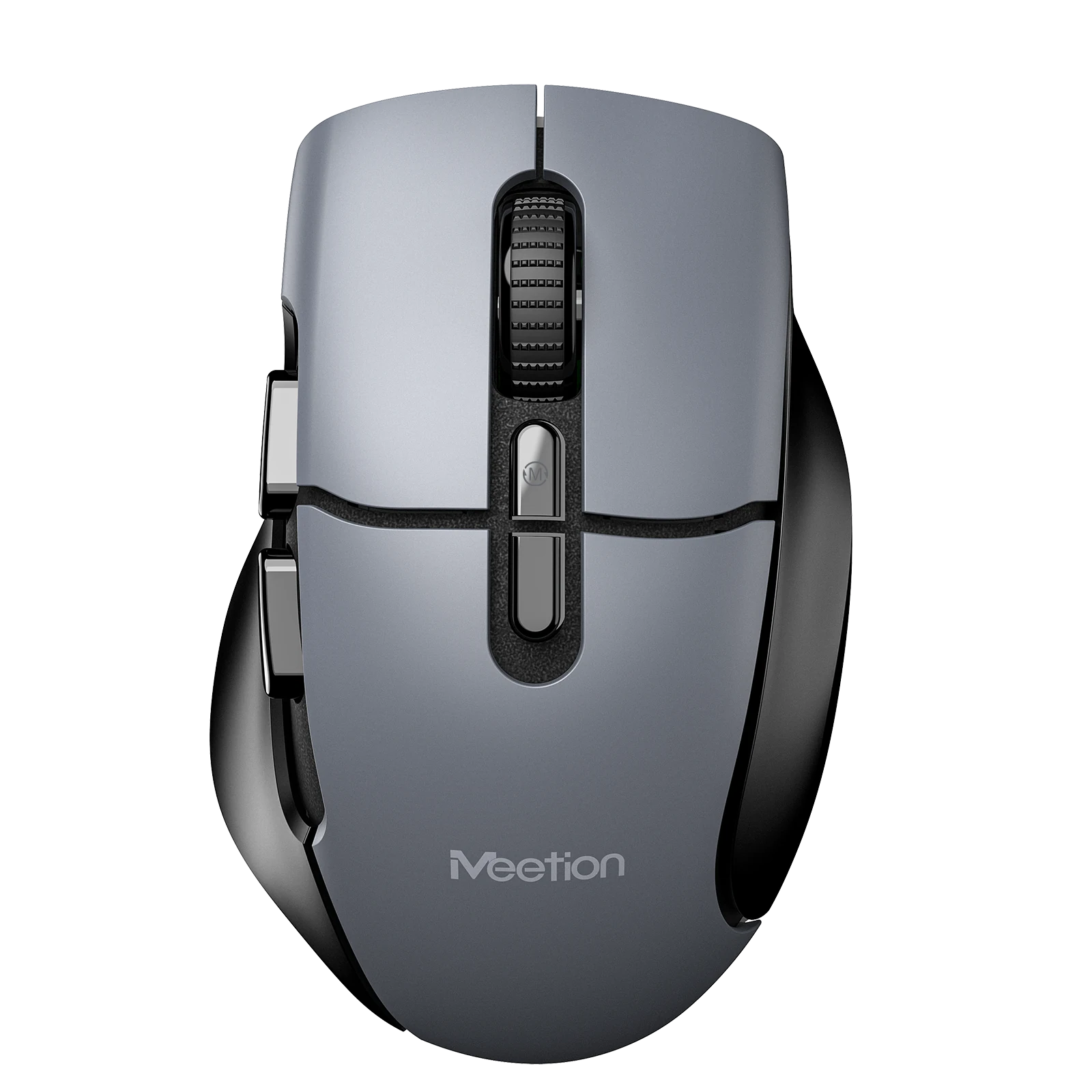
BTM001 Ergonomic Wireless Mouse
Ergonomic Wireless Mouse with Dual Mode, 2.4G + Dual Bluetooth, Silent Switch for Left and Right Buttons, Right-Hand Ergonomics, LED Tail Light, and Max DPI 2400
From $29
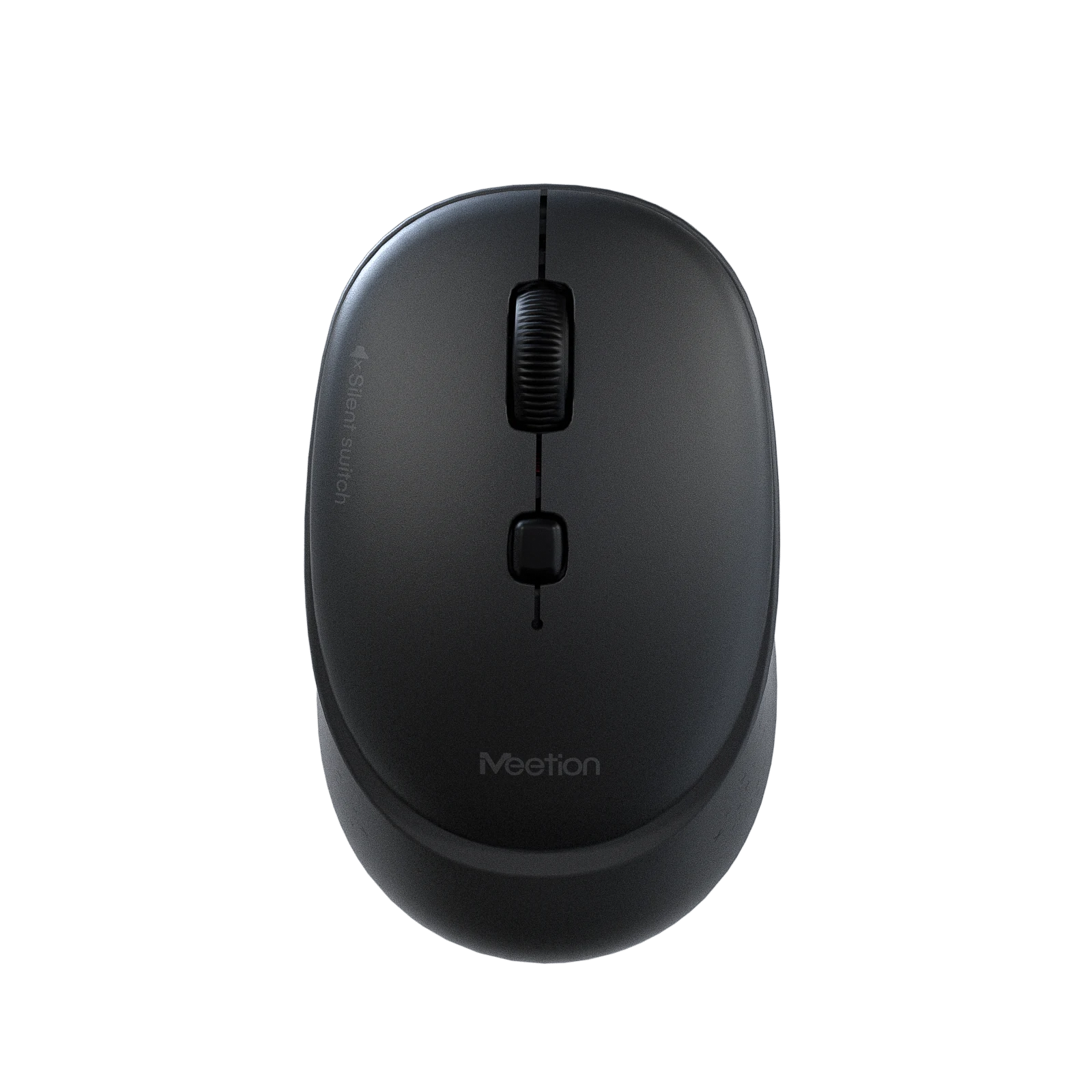
BTM571
Comfort Wireless Mouse
From $19
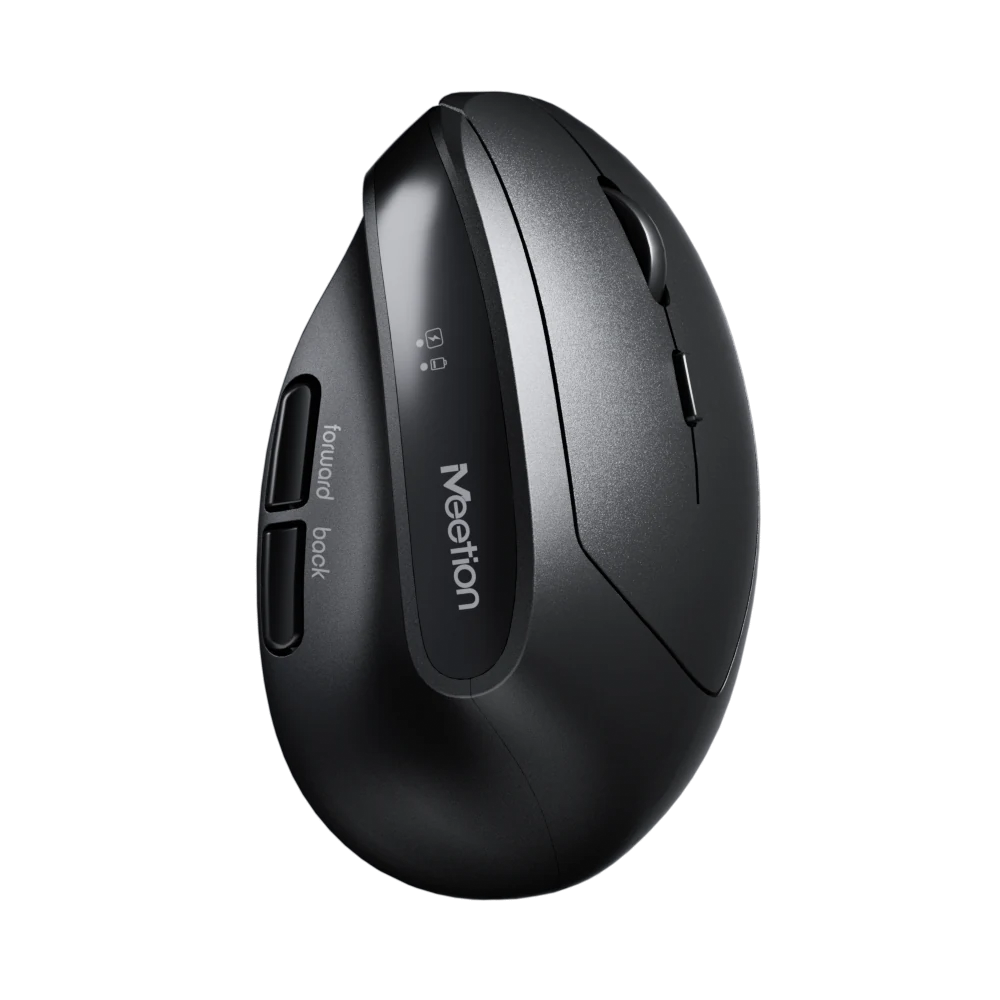
R390
Ergo Wireless Mouse
From $29
User manuals
BTM010L User Manual
BTM010L User Manual
BTM010L User Manual
BTM010L User Manual