CW216 Wireless Combo
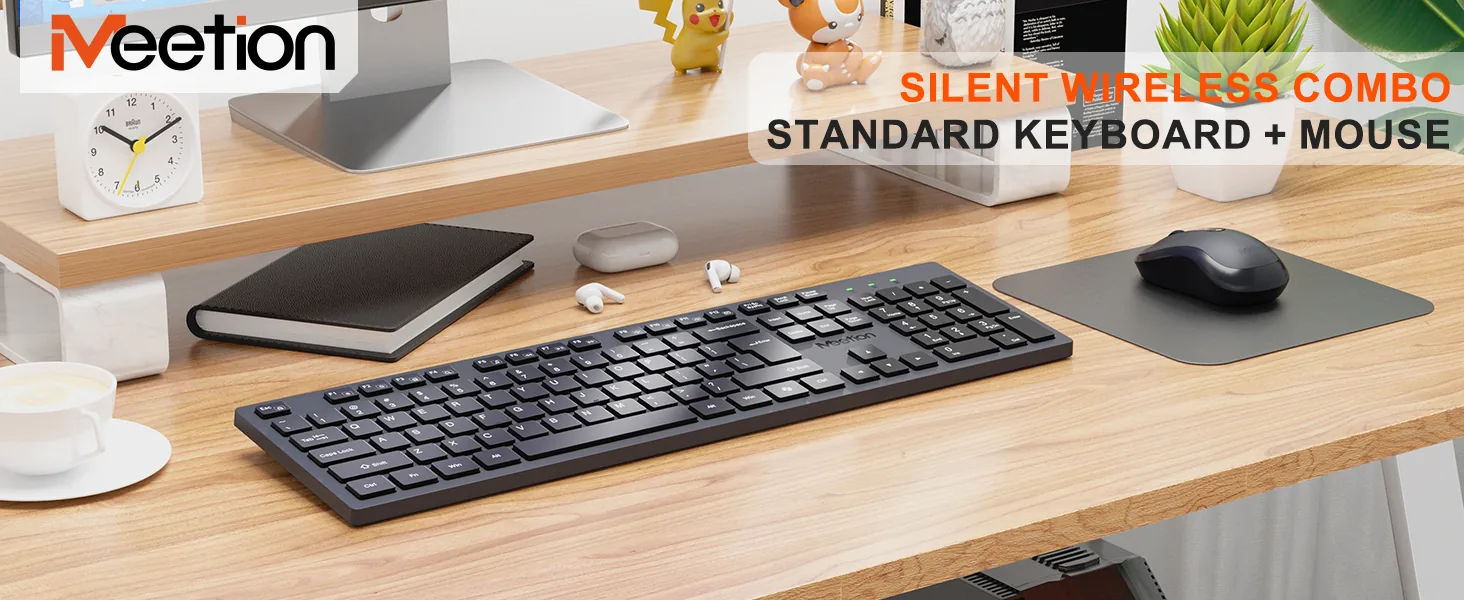
Wireless Combo with Battery-Powered 2.4G Wireless Keyboard and Mouse Office Combo and Full-Size Keyboard and Ergonomic Ambidextrous Mouse
No reviews yet$29
Details
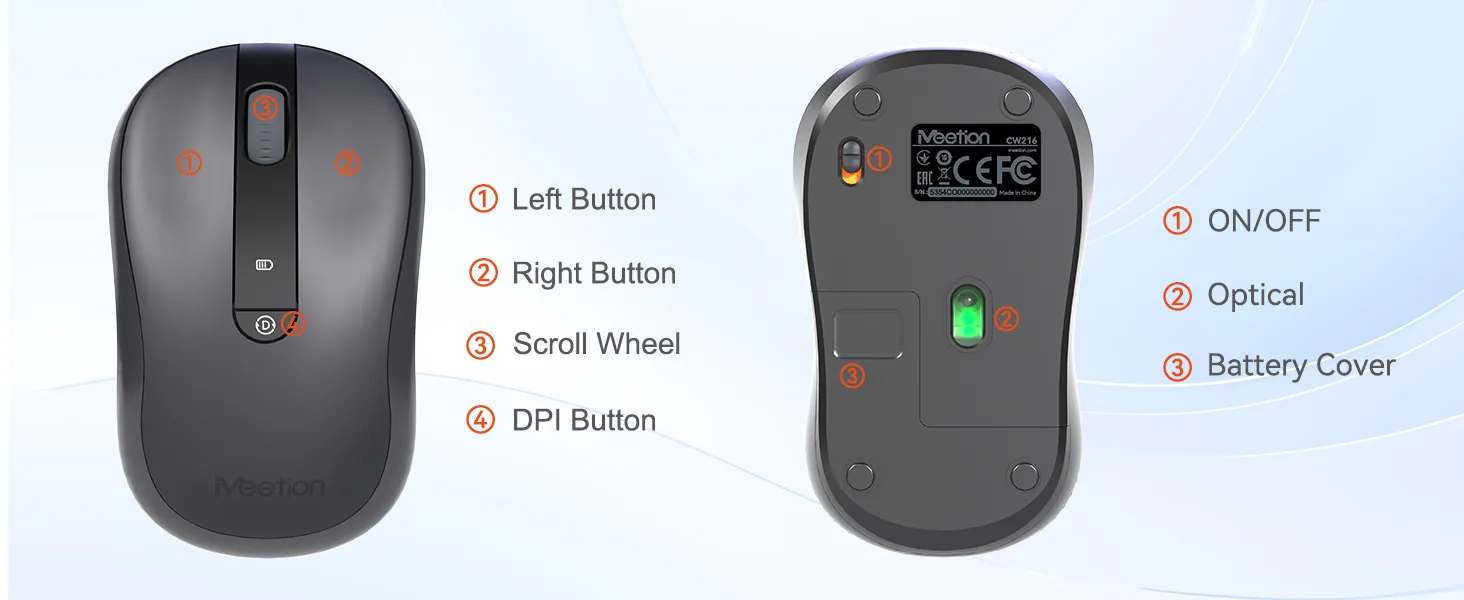
Battery-Powered 2.4G Wireless Keyboard and Mouse Office Combo 2.Made of ABS Material 3.Full-Size Keyboard and Ergonomic Ambidextrous Mouse 4.Includes: 1 AA Battery, 1 AAA Battery, 2 Sets of Feet Pads, and a User Manual
Color: Black
In stock
System compatible
System compatible Win XP/7/8/10/11, Vista, MAC OS.
Mute button design
The keyboard keys are silently designed, whether in a quiet office,Studying in the library or working late at night will create a comfortable keystroke environment for you.
AAA & AA Battery
he keyboard is easy to maintain, just replace the batteries when needed and eliminates the hassle of frequent charging, making it a practical choice for a clutter-free workspace.
6° Tilt Feet
Tilt Feet will allow you to tilt the keyboard in different angle. This ergonomic design allows you to type for long hours
Lightweight Design
Its slim, compact build reduces bulk, offering a comfortable typing experience
Wireless Connectivity
Can be connected laptops and other smart devices with 2.4G, effective connection within 10 meters.
Tech Specs
| Type | Comfort·Wireless Combo | Connectivity | 2.4 GHz Wireless |
| Colors | Black | Storage Temperature | 60° -20° to |
| Working Temperature | 0-40° | Keyboard Tilt Angle | 6° |
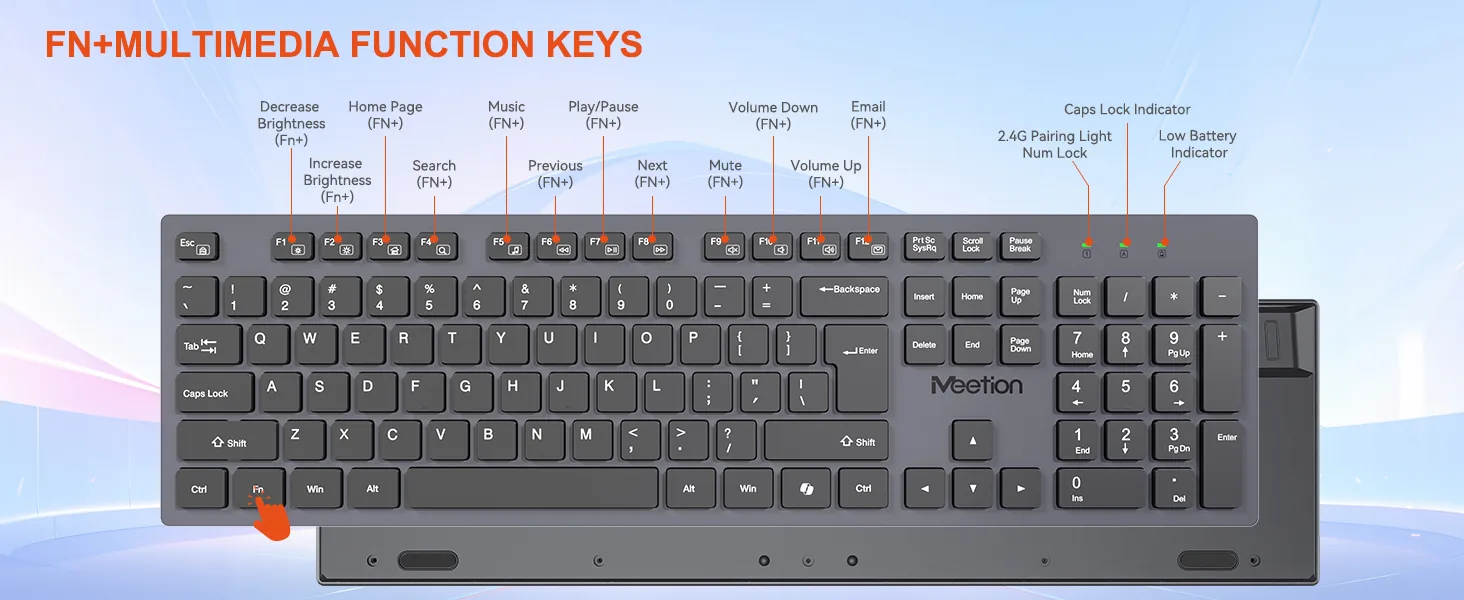
| Keyboard Type | Membrane | Multimedia Keys | Yes |
| Wireless Distance | 10m | OS Support | WIN7/8/10/11/Vista/MacOS |
| Dimensions | Keyboard: 438*126*28mm Mouse: 107*63*40mm | Keys | Keyboard: 105 keys Mouse: 4 keys |
| Weight | Keyboard: 380±5g Mouse: 64.2g ±5 g | Battery Life | Keybaord: About 1200H Mouse: About 250H |
| Battery | Keybooard: AAA*2 Mouse: AA*1 |
Customer Reviews
No reviews yet. Bought this product? Sign in and share your experience from your order page.
Reviews are limited to verified buyers. Sign in with the email you ordered with and submit from your order page.
Help & Support
Need help with this product?
Submit an after-sales request with your order details, or browse manuals, software and setup videos.
You may also like
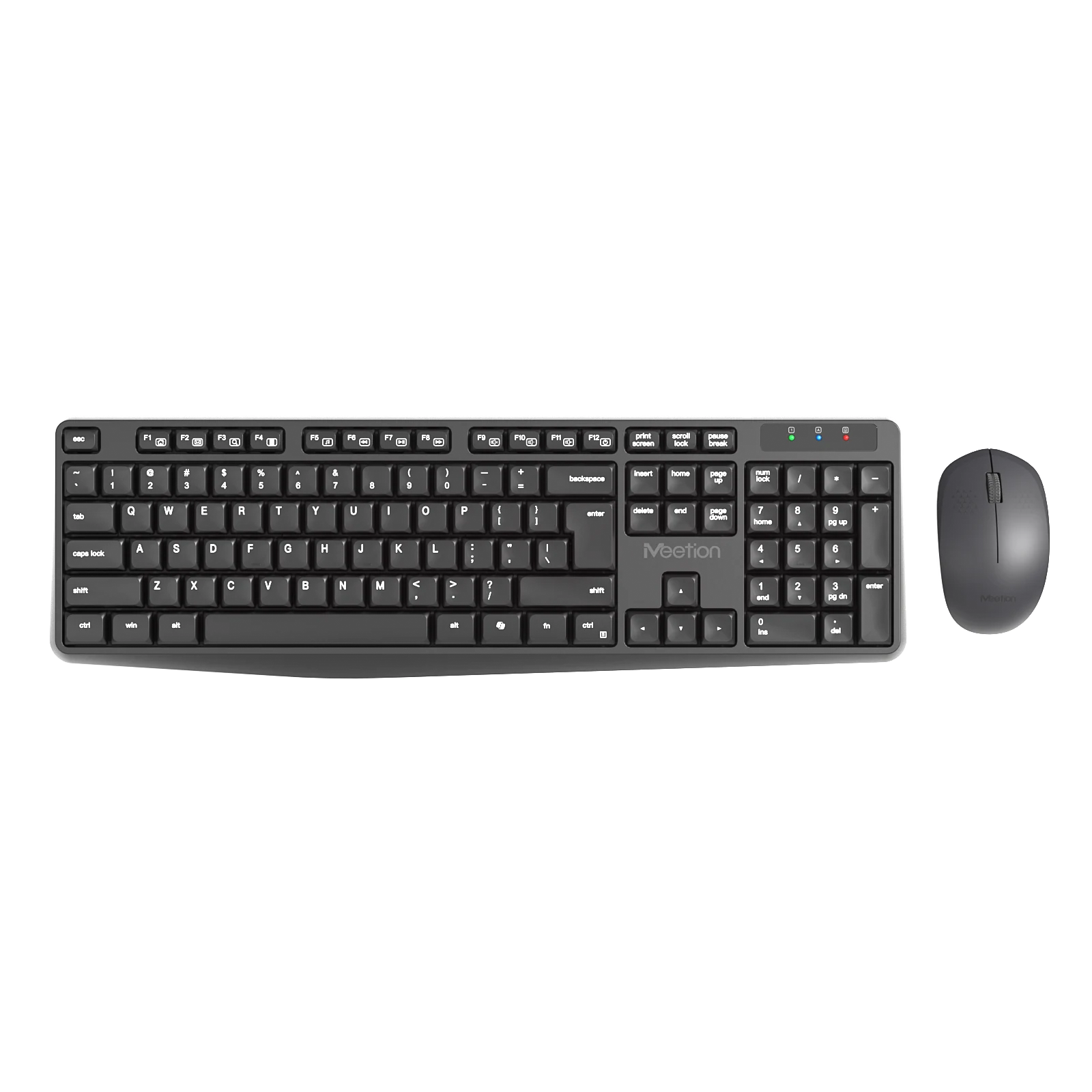
CW235 Wireless Combo
Wireless Combo with Battery-Powered 2.4G Wireless Keyboard and Mouse Office Combo and Full-Size Keyboard and Ergonomic Ambidextrous Mouse
From $19
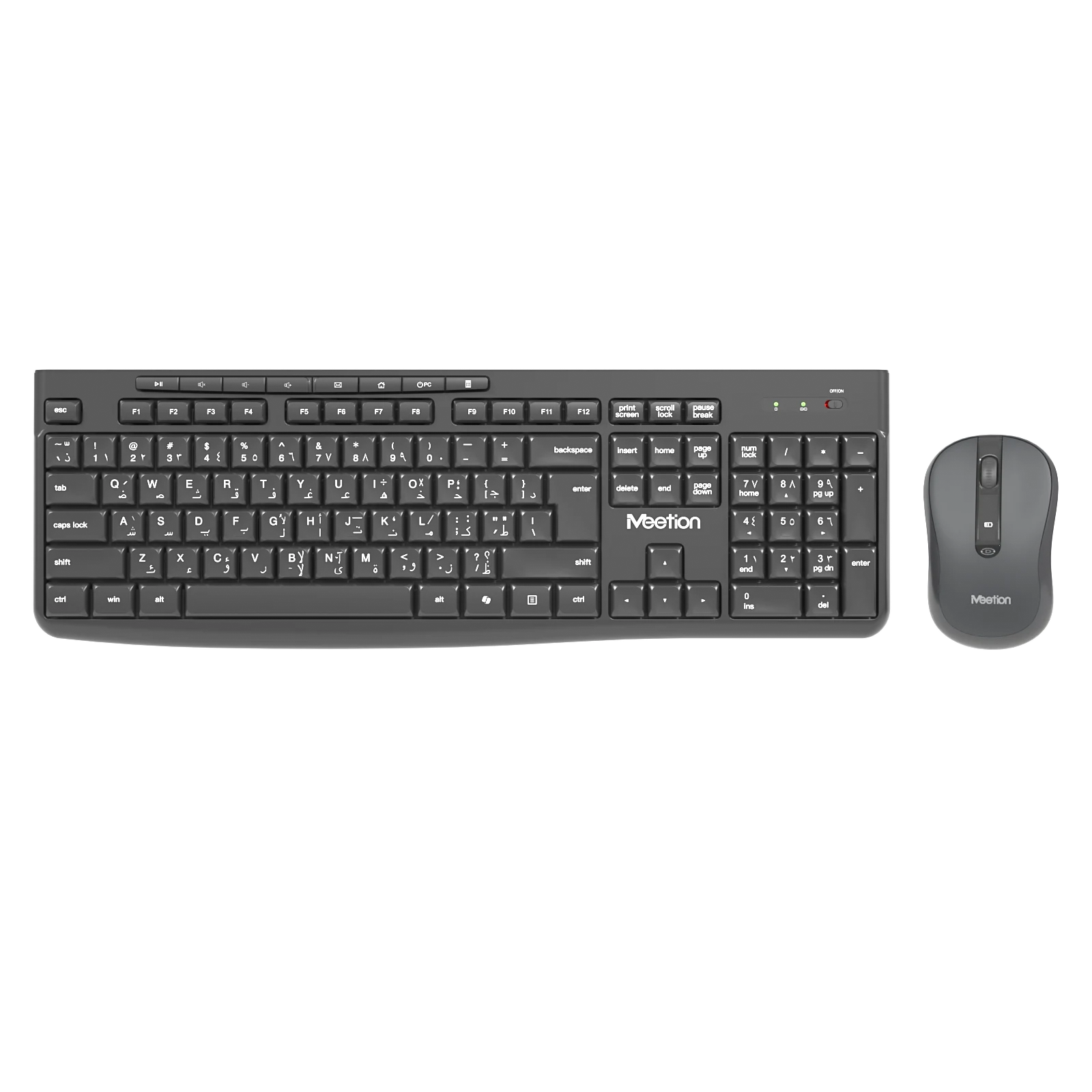
CW295 Wireless Combo
Wireless Combo with Battery-Powered 2.4G Wireless Keyboard and Mouse Office Combo and Full-Size Keyboard and Ergonomic Ambidextrous Mouse
From $29
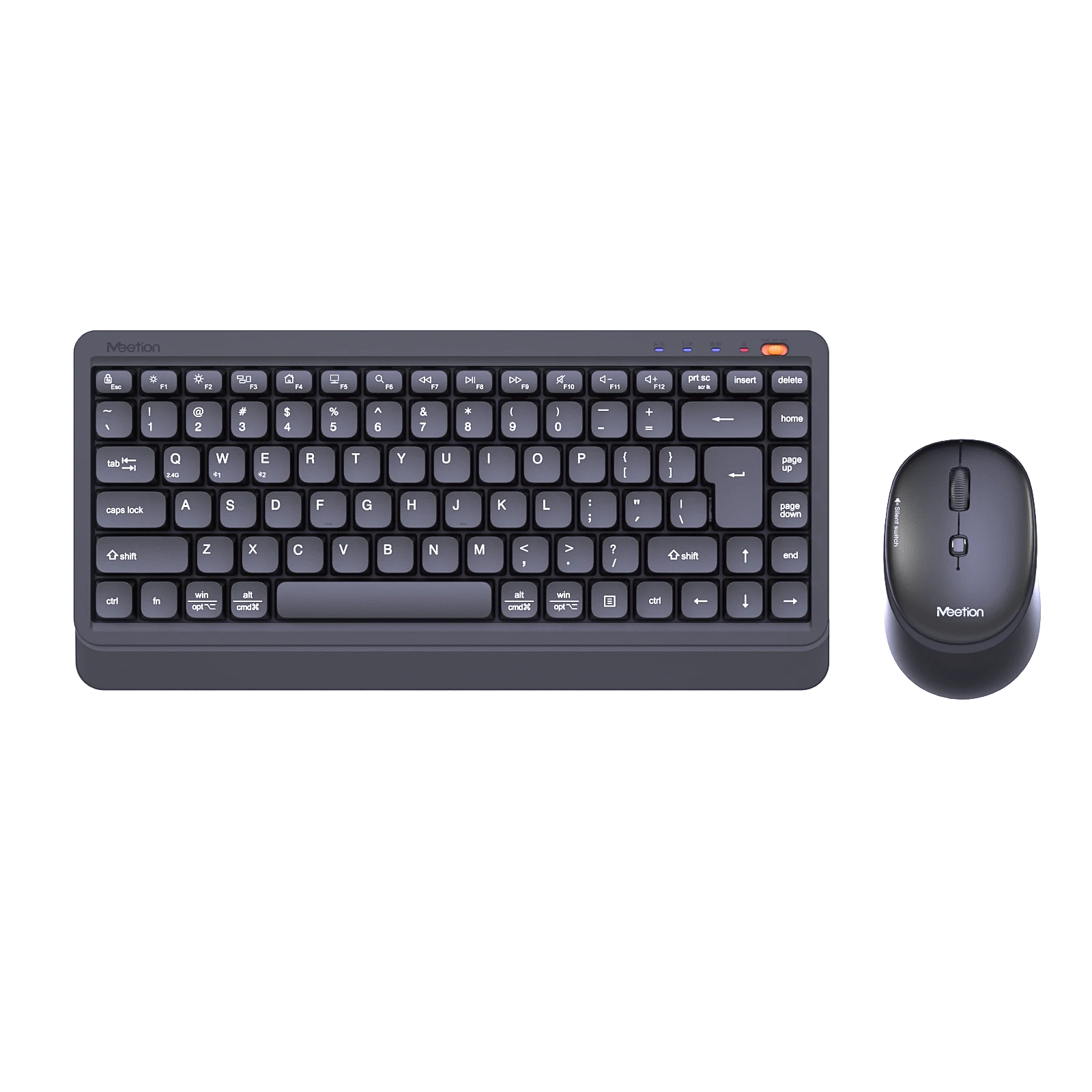
Mini5000 Wireless Combo
Wireless Combo with Battery-Powered Dual-Mode Wireless Keyboard and Mouse Combo, Includes: 1 AA Battery, 1 AAA Battery and a User Manual, Made of ABS Material, 3.75% Keyboard, and Ideal for Smart TV
From $29
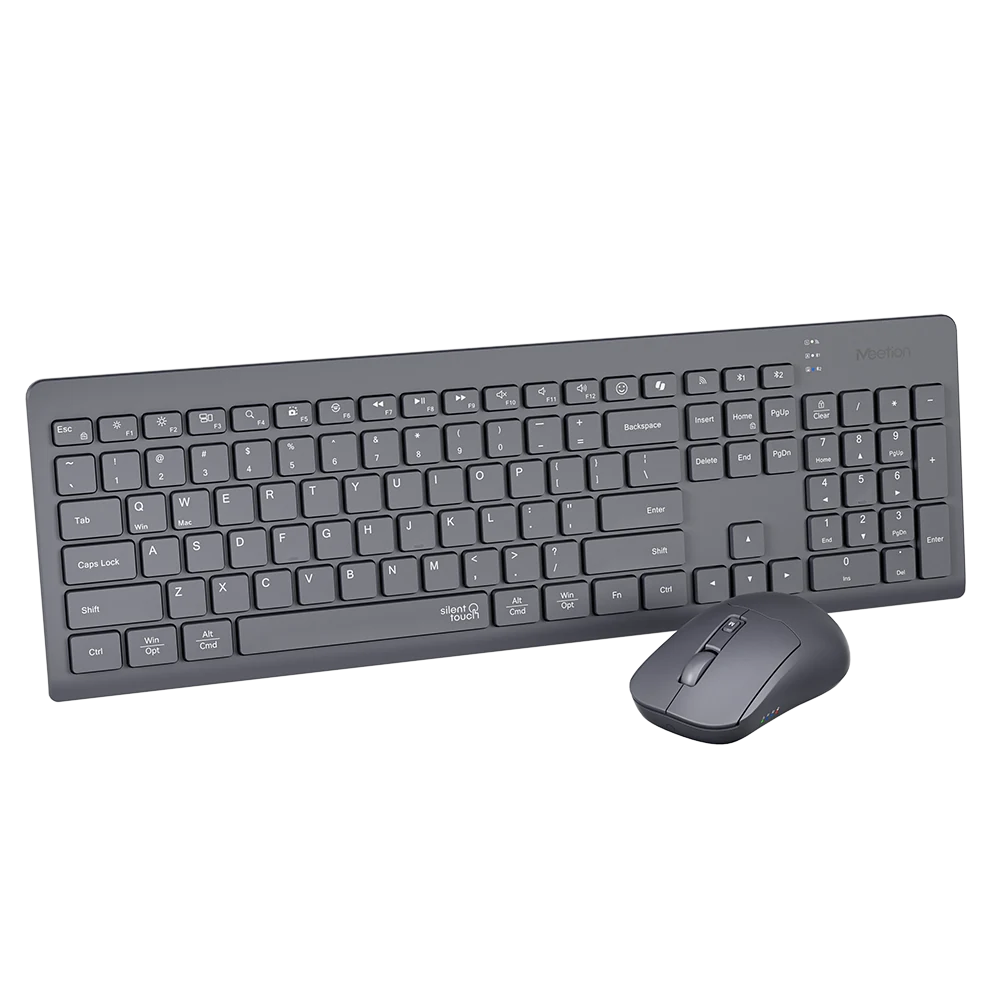
BTC4132 Wireless Keyboard and Mouse Combo
A silent keyboard-and-mouse combo that connects over 2.4G or dual Bluetooth, with chocolate keys and 4-level mouse DPI.
From $39
Manuals & downloads
User manuals
CW216 User Manual
English1.6 MB