FionaDoğrulanmış alım
Works with the iPad too
Paired it to my iPad for note taking on the train and it behaves the same as on the laptop. Cursor control is smooth and the scroll works in every app I tried.
₺1.999
Ayrıntılar
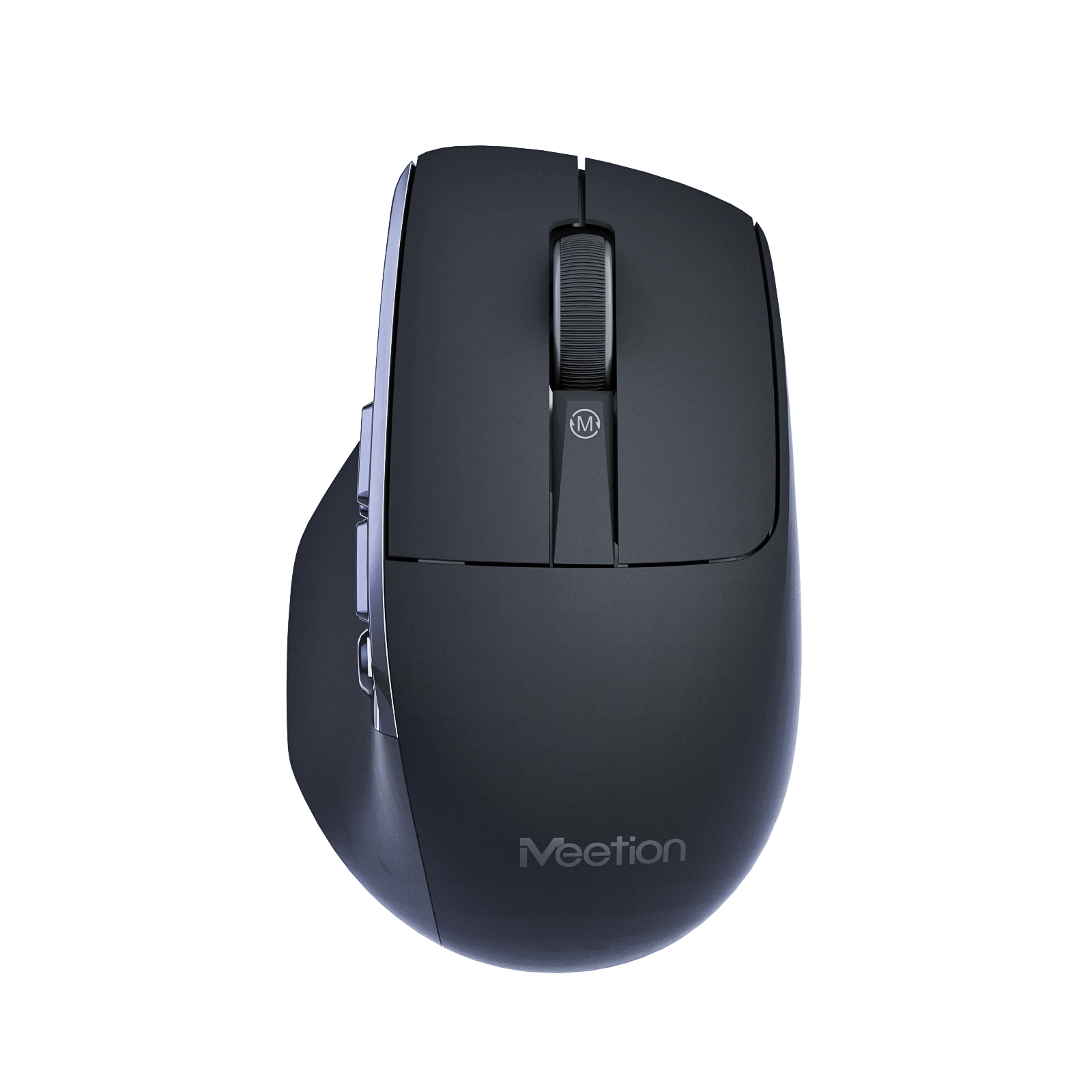
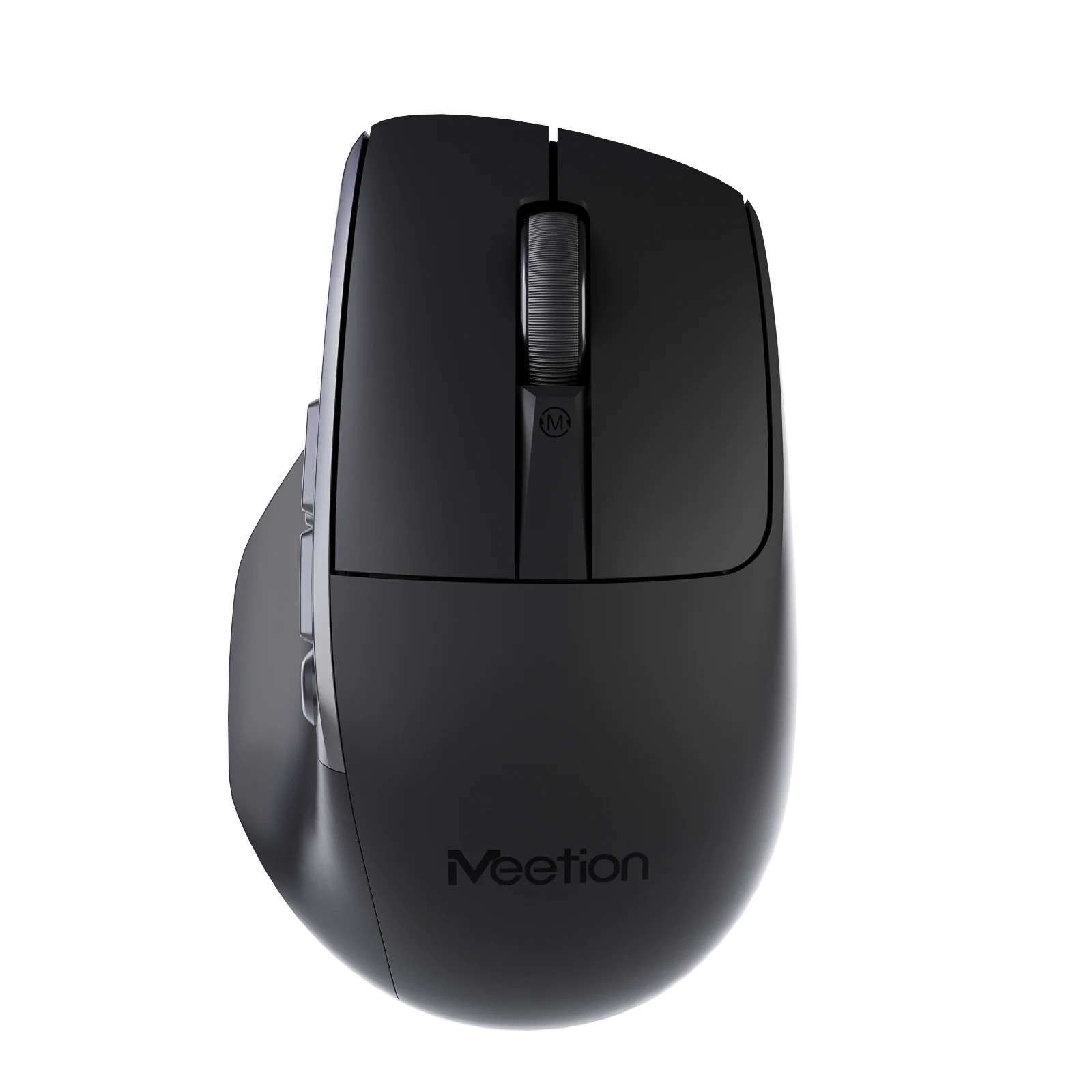
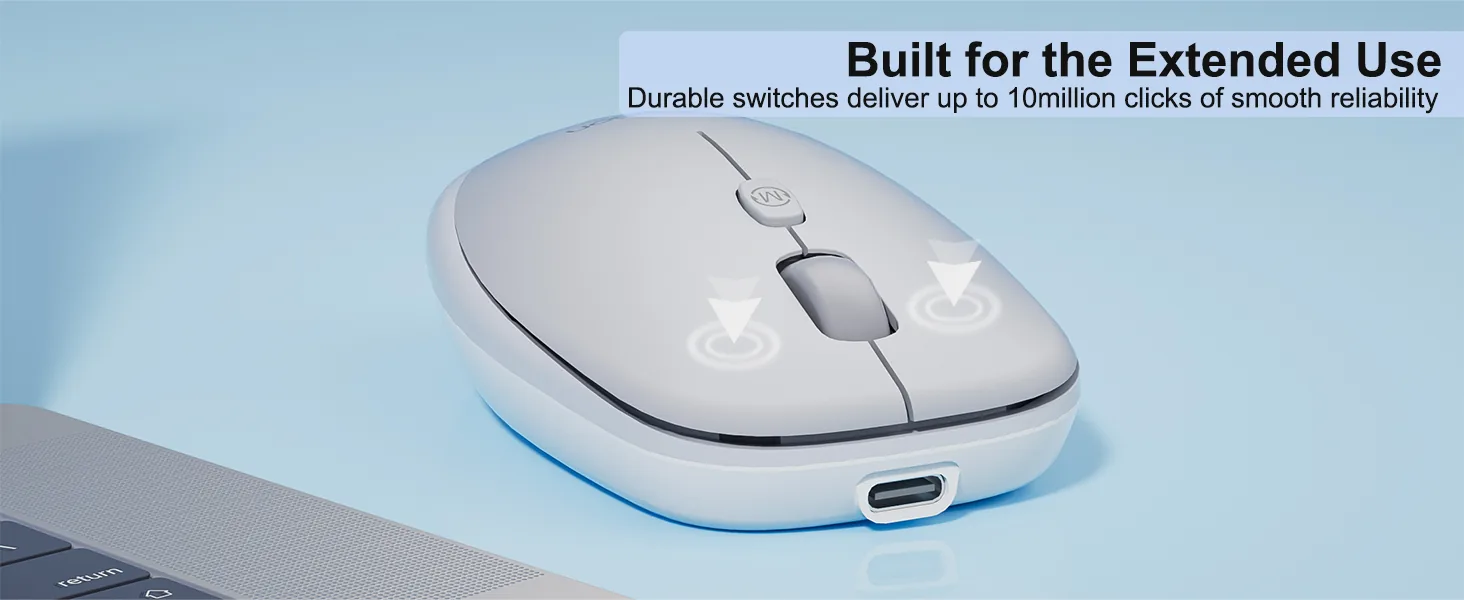
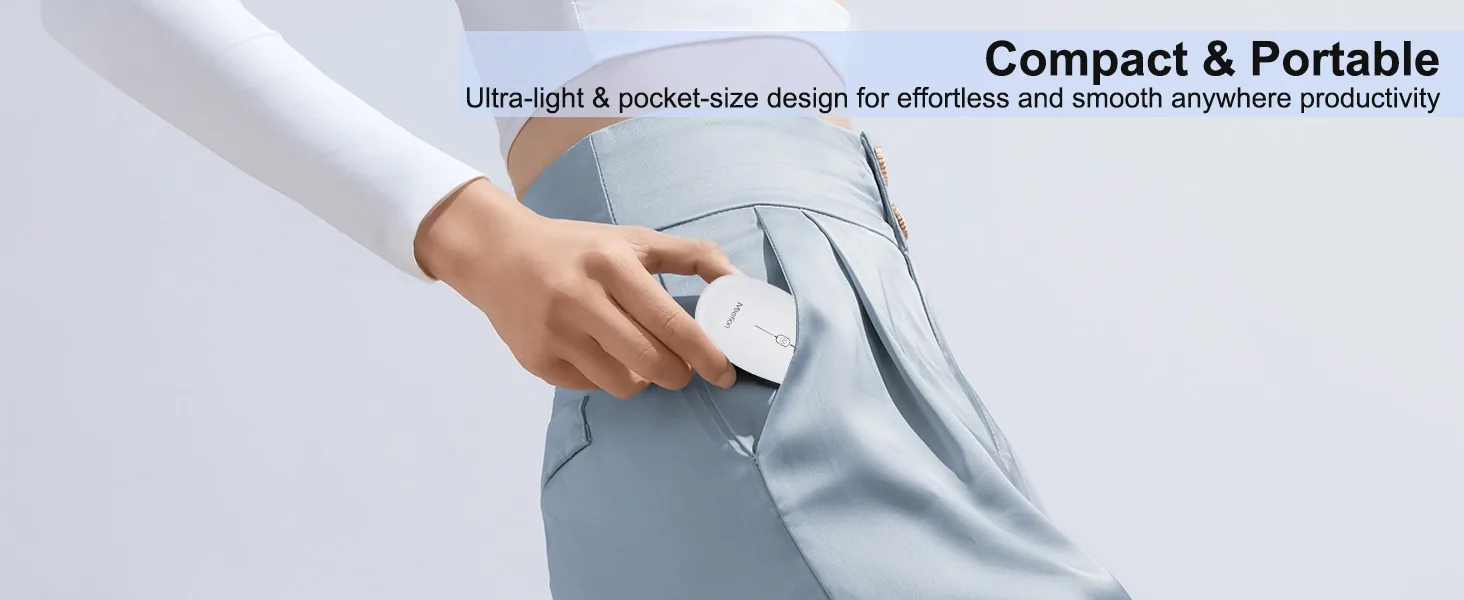
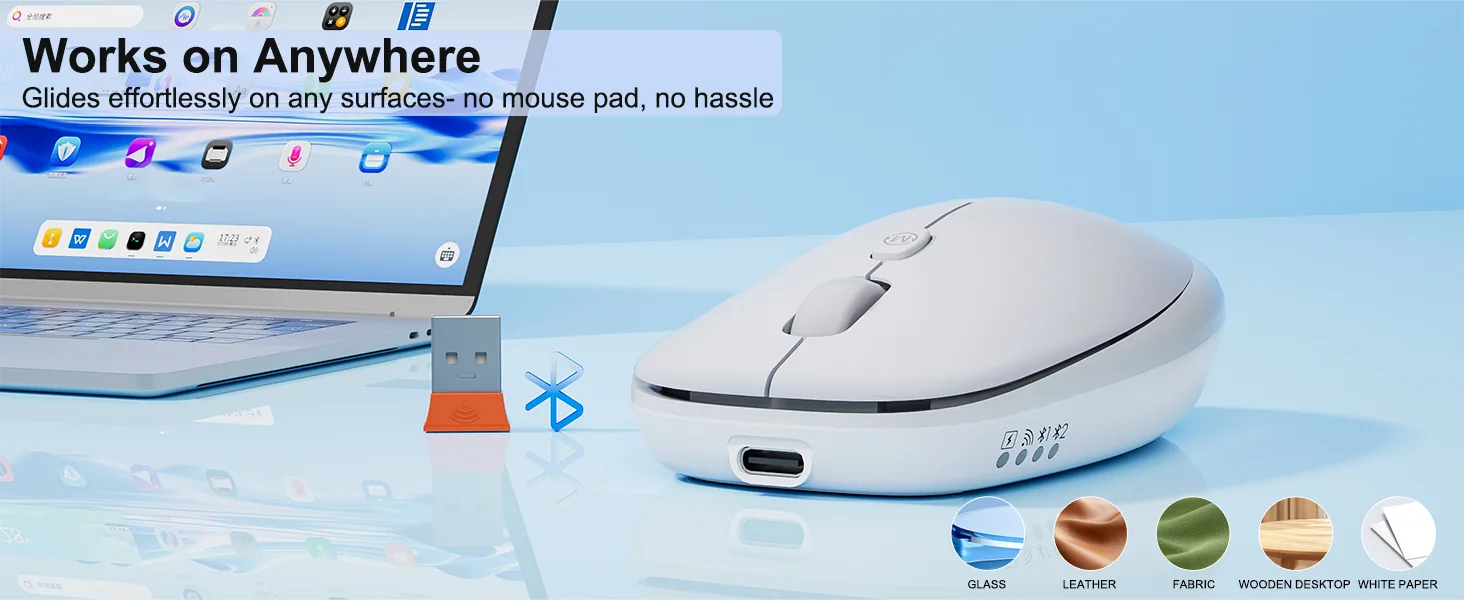
Cam yüzey uyumluluğu, fare altlığı gerekmez 2. ABS malzeme 3. 500mAh pil, 1.6h şarj ile 100h çalışma 4. Windows/macOS desteği 5. 10M kez Huano uzun ömürlü sessiz anahtar 6. 800-6000 DPI 7. 100*62*32mm / 57g
Renk: White
Stokta
Windows XP/7/8/10/11, Vista ve macOS ile uyumludur.
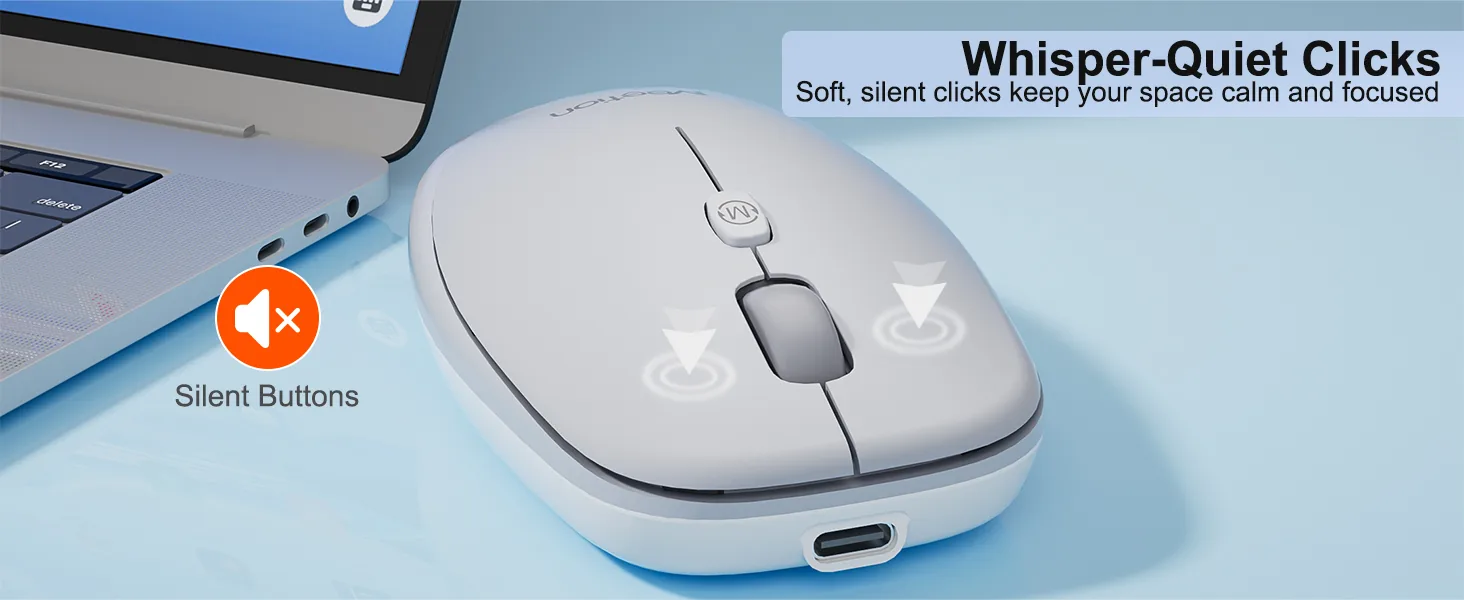
Fare tuşları sessiz olacak şekilde tasarlanmıştır; ister sessiz bir ofiste, ister kütüphanede ders çalışırken, isterse gece geç saatlere kadar çalışırken size konforlu bir tıklama ortamı sunar.
Düşük güç tüketimli enerji tasarrufu teknolojisine sahip yeni nesil 500mAh dahili pil, 100h boyunca daha fazla enerji tasarrufu sağlar ve çevreyi korumaya katkıda bulunur.
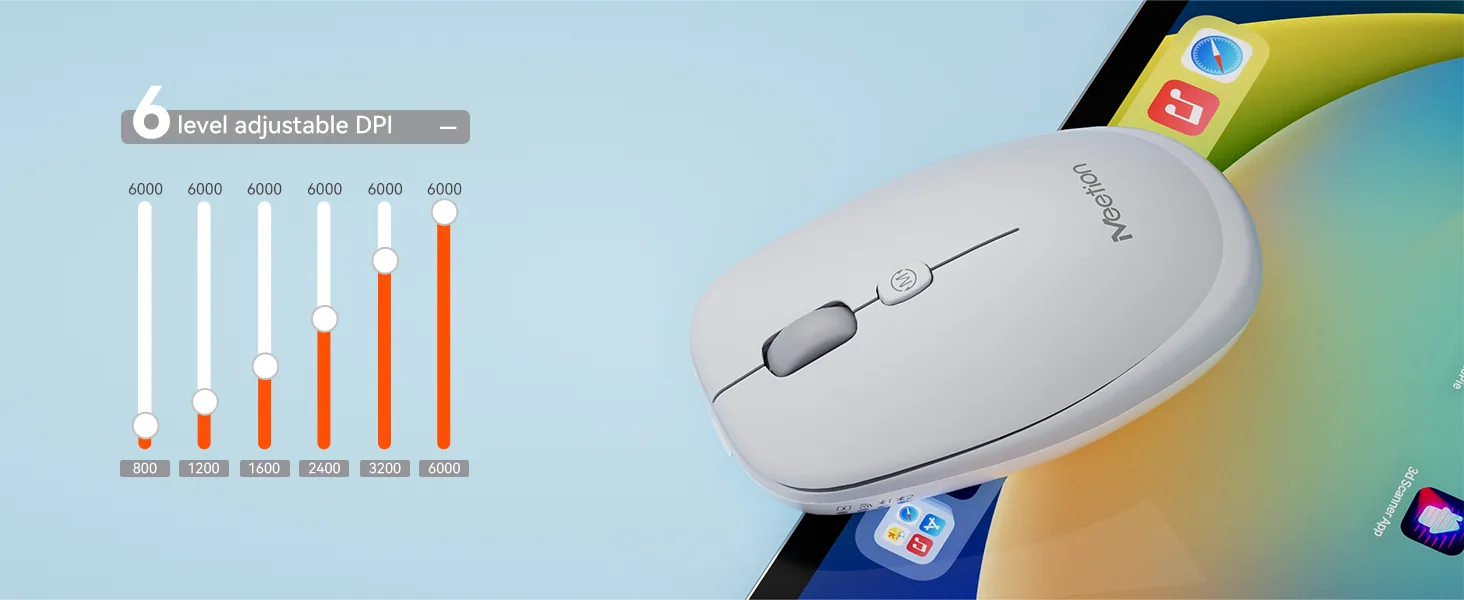
6 DPI ayarıyla imleç hızınızı tam isabet için özelleştirin. Her görevde kusursuz doğruluk için 800~6000 arasından seçin.
Modern Type-C arayüzü ile 1.6h içinde hızlı ve güvenilir güç aktarımı sunar. Kolay kullanımlı Type-C bağlantısıyla hızlı ve stabil şarj sağlar.
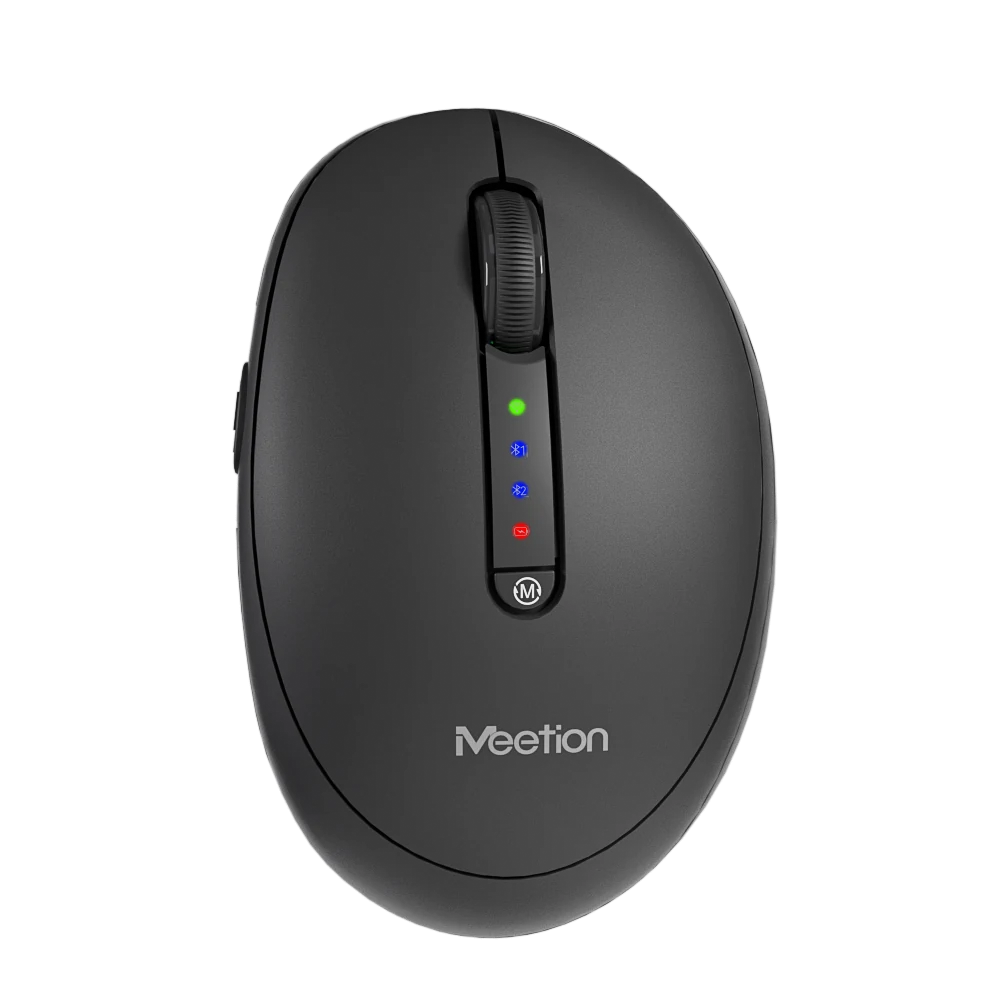
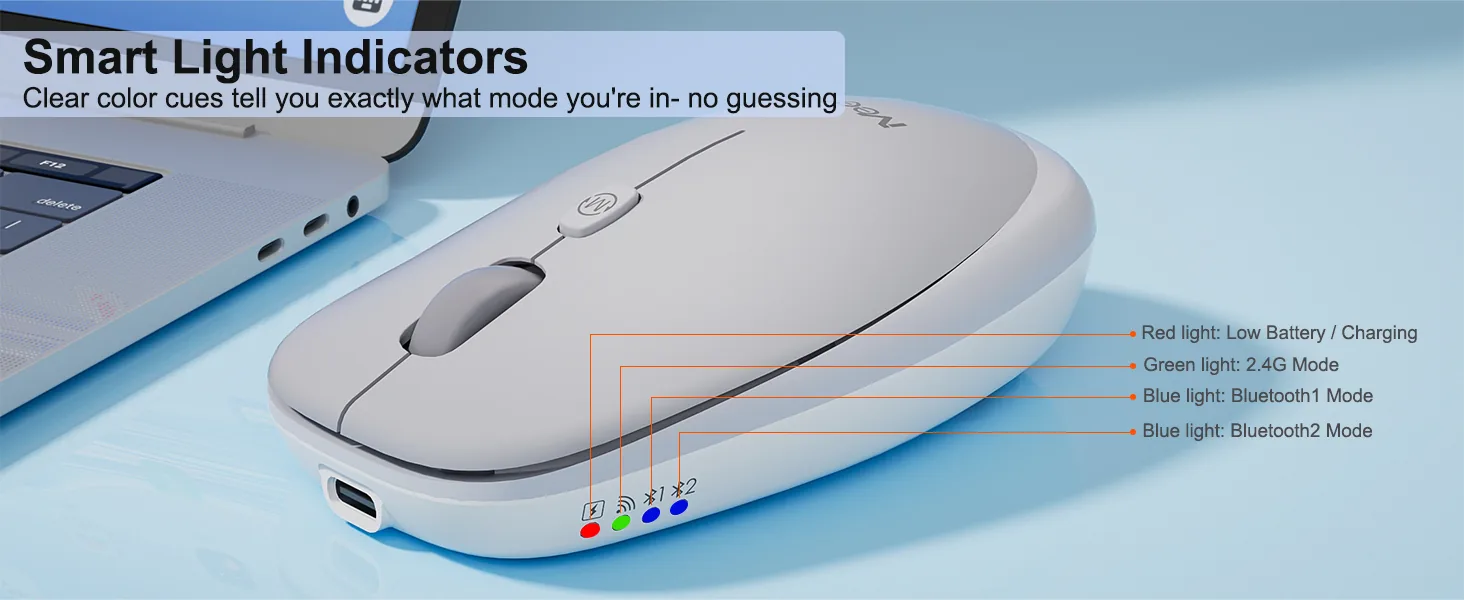
Tabletler, dizüstü bilgisayarlar ve diğer akıllı cihazlara 2.4G ve Bluetooth olmak üzere iki kanaldan bağlanabilir; 10 metre mesafeye kadar kararlı bağlantı sunar.
6 değerlendirmeye göre
6 değerlendirmeden 1–6 arası
Paired it to my iPad for note taking on the train and it behaves the same as on the laptop. Cursor control is smooth and the scroll works in every app I tried.
Three people use the same workstation on rotation. Everyone finds it comfortable and nobody has to re-pair anything because it stays connected to the dock.
Plugged the receiver in, moved it, done. I have had enough of driver installs that want an account and a background service. This one just behaves like a mouse should.
Shape, battery, and connection are all solid. The wheel has almost no tactile step, which I still miss after a month. If you like a clicky wheel, try it before committing.
No complaints about tracking or comfort. The USB receiver is about the size of a fingernail, so it lives in the battery compartment whenever the mouse is in my bag. Nearly lost it in a hotel room once.
Two computers on one desk. The button on the bottom moves between them in under a second and it remembers after a reboot. No dongle swapping, no re-pairing.
Değerlendirmeler yalnızca doğrulanmış alıcılara açıktır. Sipariş verirken kullandığınız e-posta ile oturum açın ve sipariş sayfanızdan gönderin.
It supports 800-1200-1600-2400-3200-6000 DPI.
It connects via 2.4 GHz Wireless / Bluetooth.
It supports Windows/MacOS.
Download the Anywhere1 Wireless Mouse user manual. The page lists the languages and file size.
Bu ürünle ilgili yardım mı gerekiyor?
Sipariş bilgilerinizle bir satış sonrası talebi gönderin veya kılavuzlara, yazılımlara ve kurulum videolarına göz atın.
Kullanım kılavuzları
Anywhere1 Kullanım Kılavuzu
Anywhere1 Kullanım Kılavuzu
Anywhere1 Kullanım Kılavuzu
Anywhere1 Kullanım Kılavuzu