Beatrice購入済み
Both pieces survived a term of abuse
Carried to the library and back most days, dropped twice, and used by my flatmate when hers broke. Nothing has loosened or stopped responding.
¥4,800
プロモーションコードで5%おトクに。
詳細
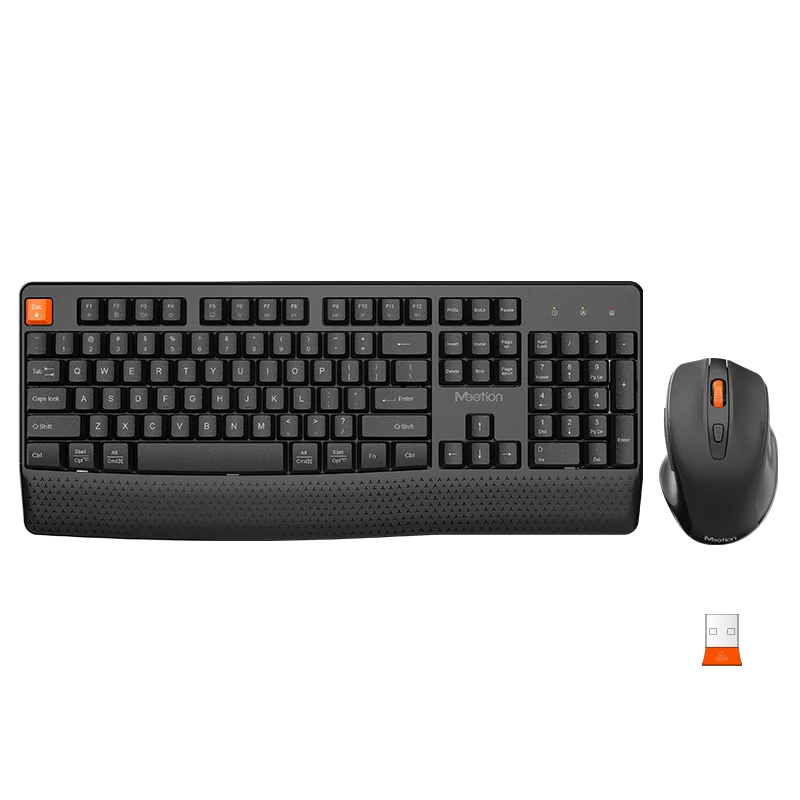
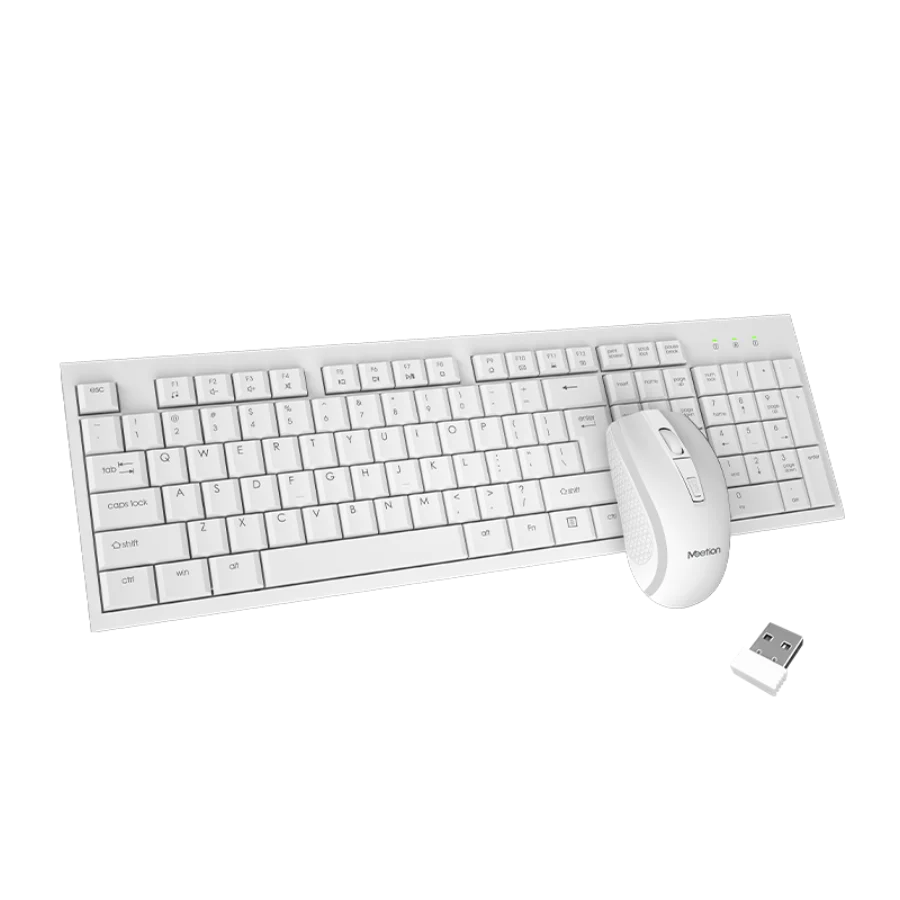
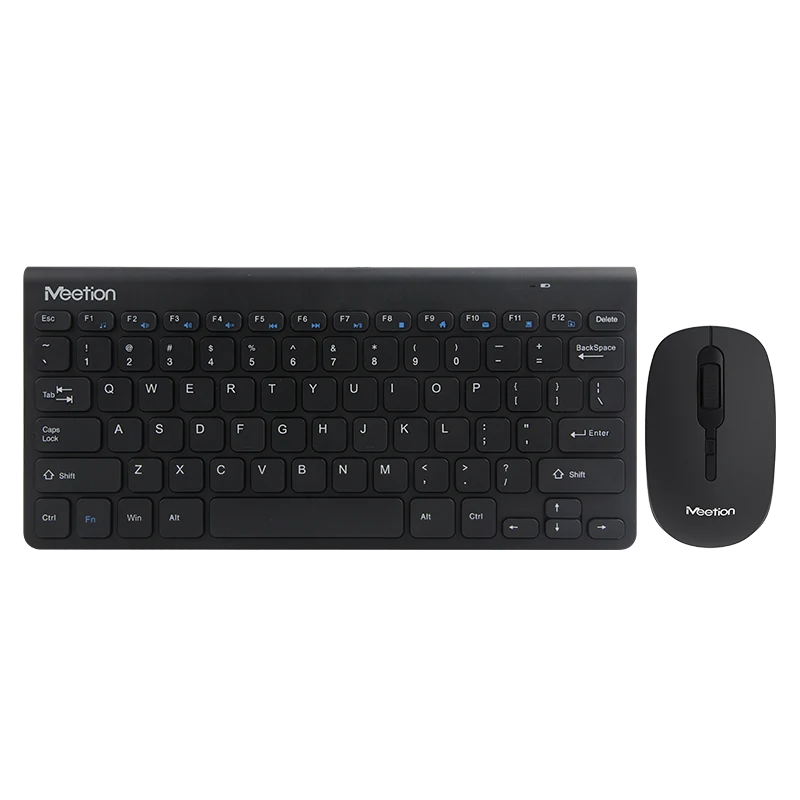
2-in-1ワイヤレスコンボ マウス、ABS樹脂、DPI 800/1200/1600/ スイッチ≥3,000,000/ 電池AA*1/ サイズ:110*72*40mm/ 85g キーボード、ABS樹脂、キー寿命≥3,000,000/ 電池AA*1/ サイズ:443*185*28mm/ 485g 化粧箱:450*190*72mm
カラー:Black
在庫あり
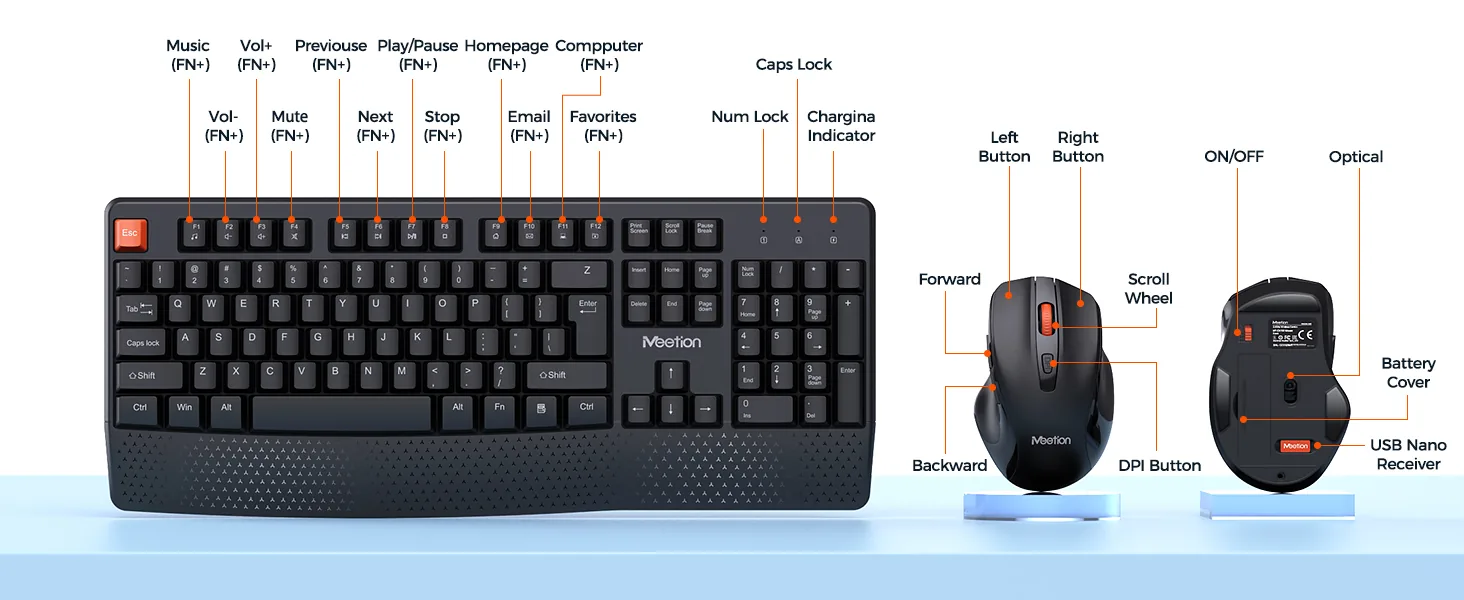
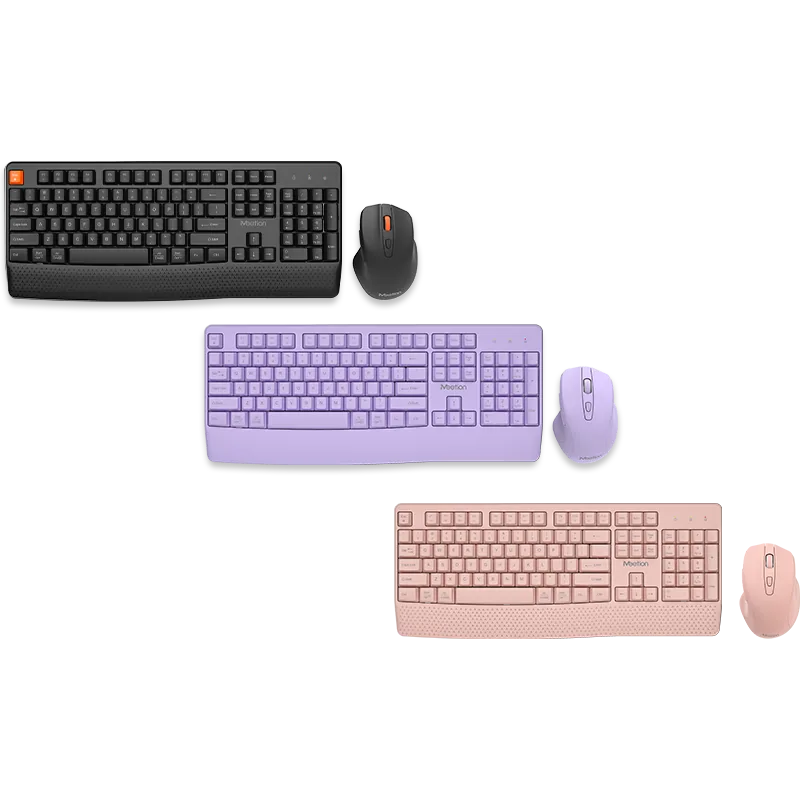
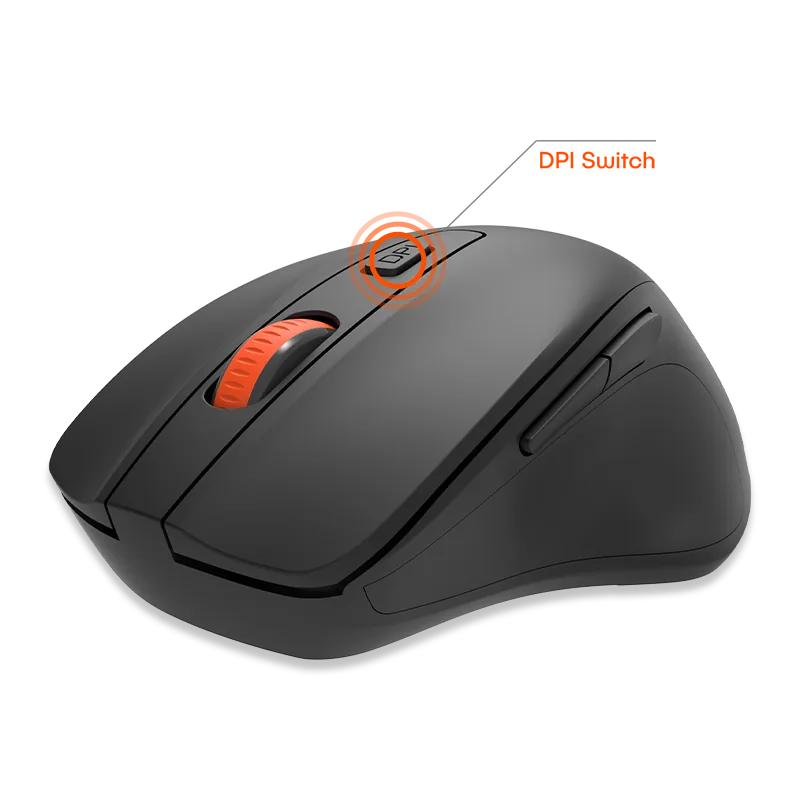
黒・パープル・ピンクの3色からお選びいただけます。最新世代の研究開発技術により、数か月にわたってバッテリーの心配は不要です。800-1200-1600の3段階に調整できるDPIが個別のニーズに応えます。文字はレーザー彫刻技術を採用しており、耐久性・耐摩耗性に優れ、使用寿命も長くなります。その設計により、タイピング時に手と手首をより自然な位置に保てます。エルゴノミクスキーボード。
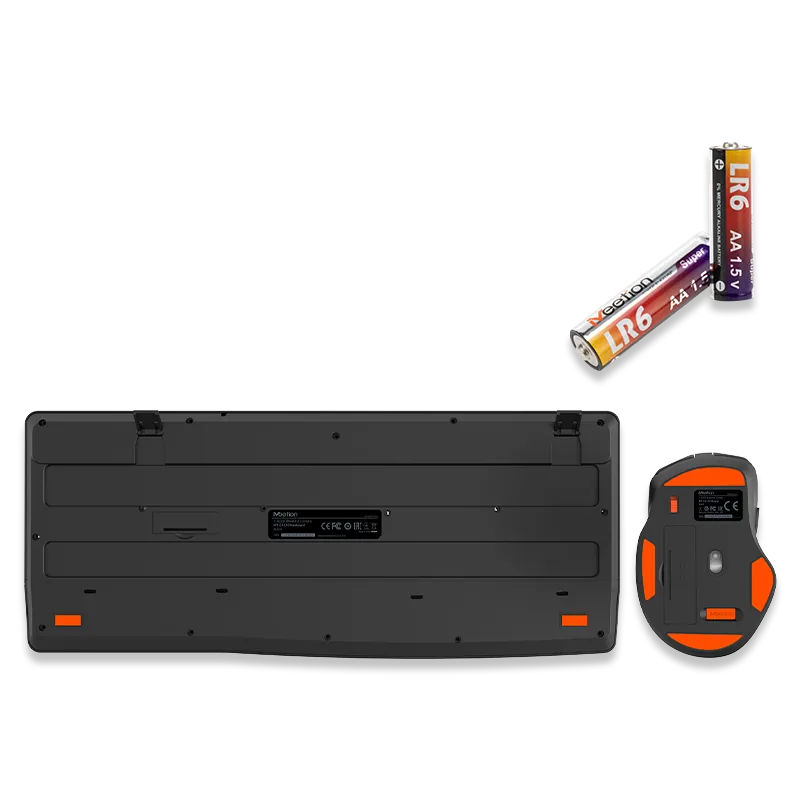
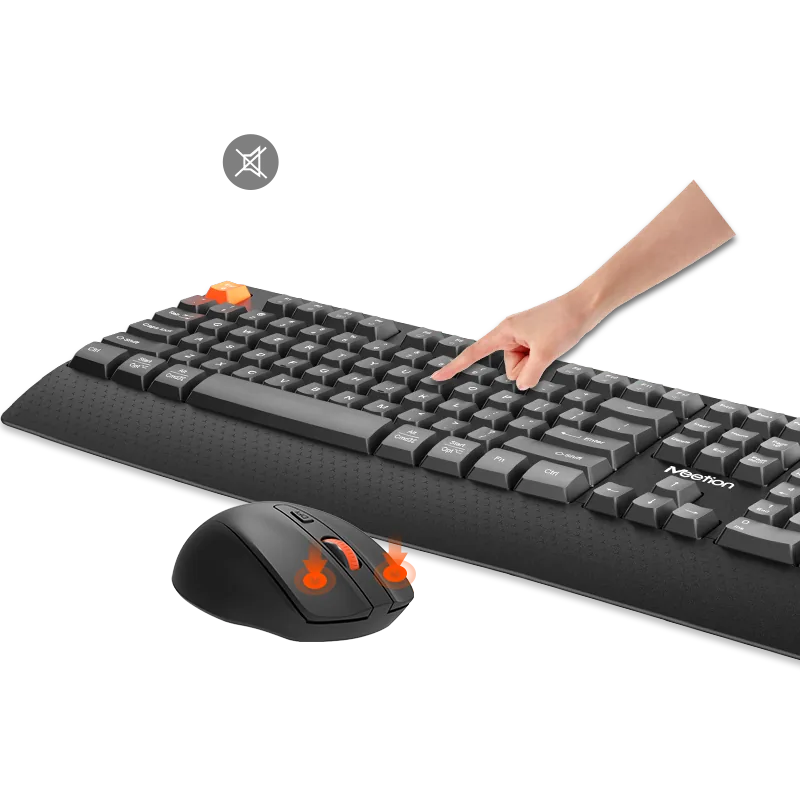
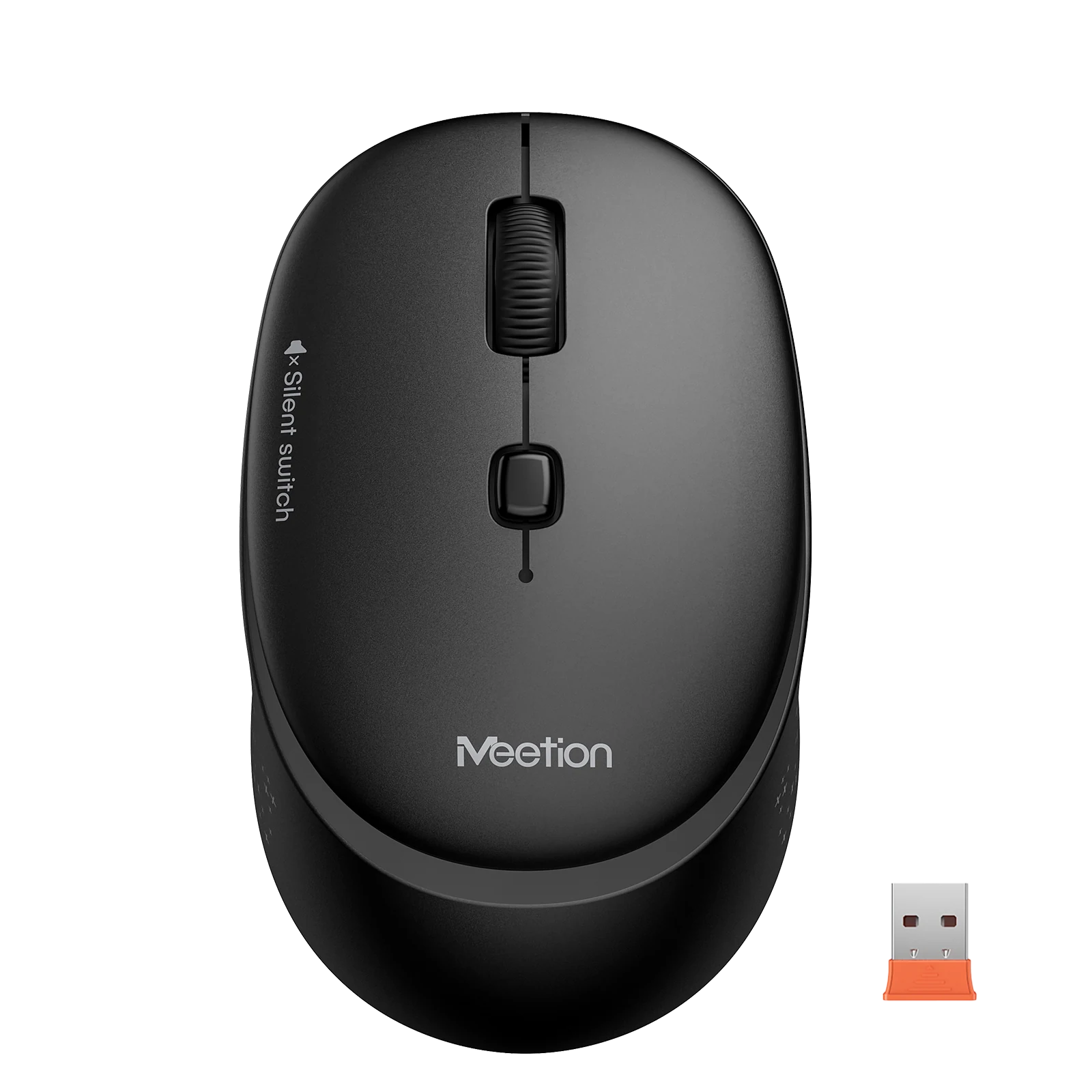
静音ボタン設計で快適な使い心地を実現し、いつでもどこでも周囲を気にせず使用できます。さまざまな場面に難なく対応します。10メートル以内で接続できます。
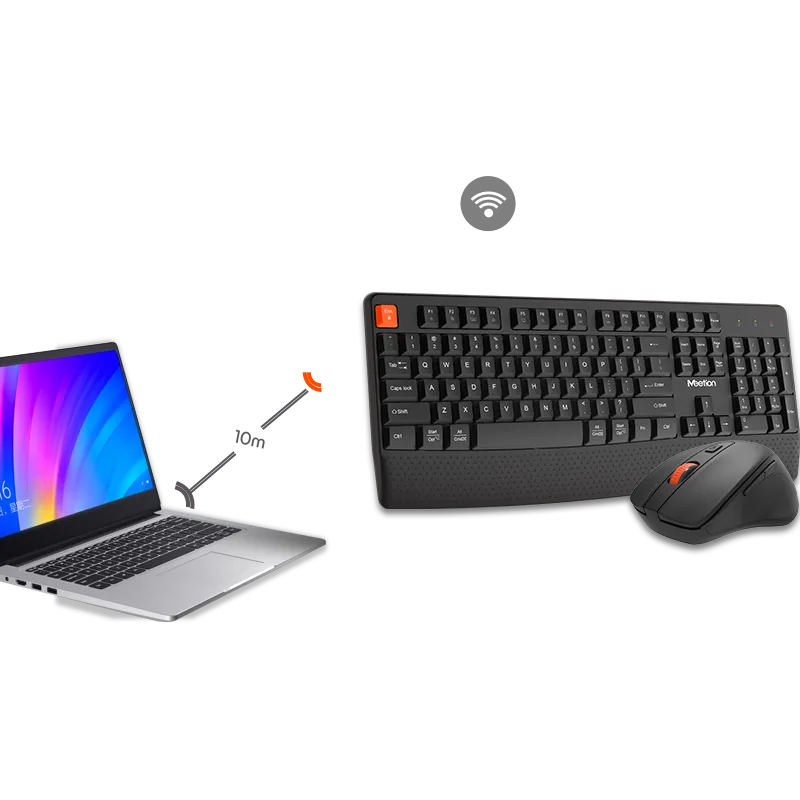
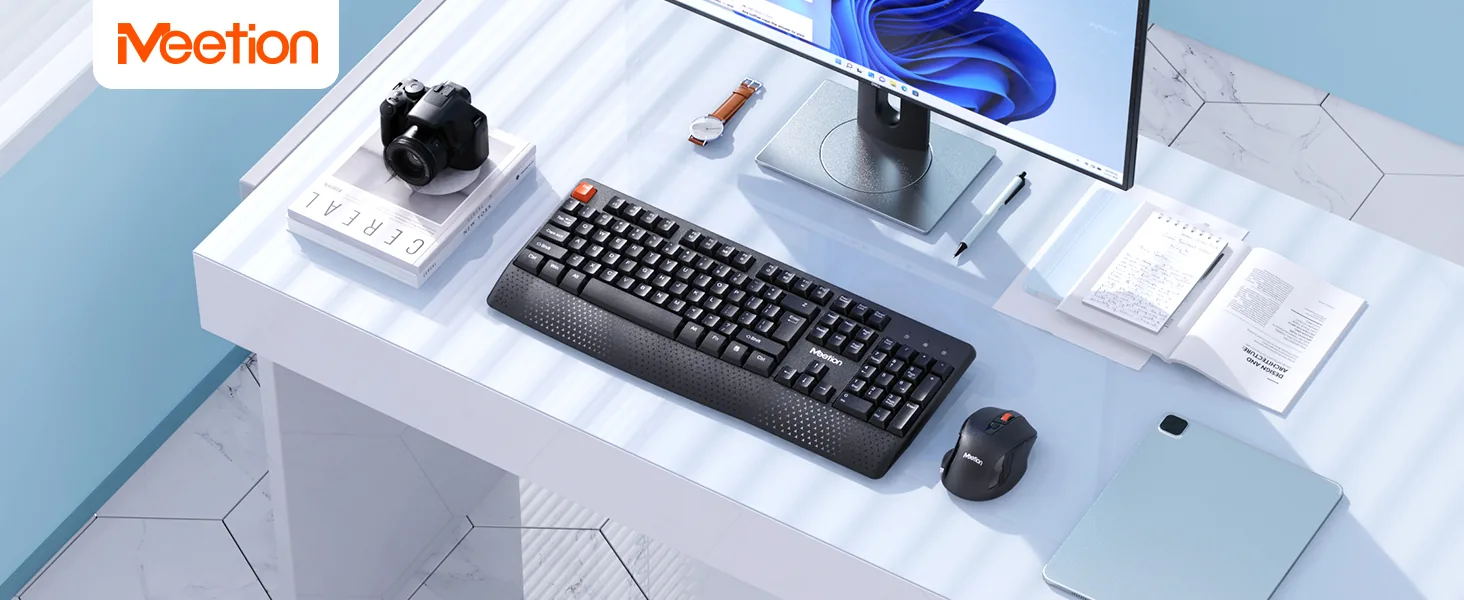
Meetion — ワイヤレスキーボード&マウス。自由を解き放つ:制限なくクリック&タイピング
3件のレビューに基づく
3件中 1–3件を表示
Carried to the library and back most days, dropped twice, and used by my flatmate when hers broke. Nothing has loosened or stopped responding.
My desk is a metre wide and shared with a printer. Both pieces fit with room for a notebook, which a full-size keyboard would have made impossible.
When I started working from home I bought the cheapest thing that looked reasonable. Two years on, both pieces still work and I have never wished for an upgrade.
レビューは購入済みのお客さまに限られます。ご注文時のメールアドレスでサインインし、注文ページから投稿してください。
このセットの商品は同じシリーズのもので、まとめて発送されます。
4点 — ¥14,400
It supports 1000 DPI.
It connects via 2.4 GHz Wireless.
It supports Win XP/Vista/7/8/10/11/MAC OS.
Download the C4130 Wireless Combo user manual. The page lists the languages and file size.