Gordon H구매 인증
Leaves room for a wide sweep
It is narrow enough that I can sweep across a large pad without hitting the keyboard. On a 90-centimetre desk that extra room changes how I play.
₩30,000
프로모션 코드로 5% 절약하세요.
상세 정보
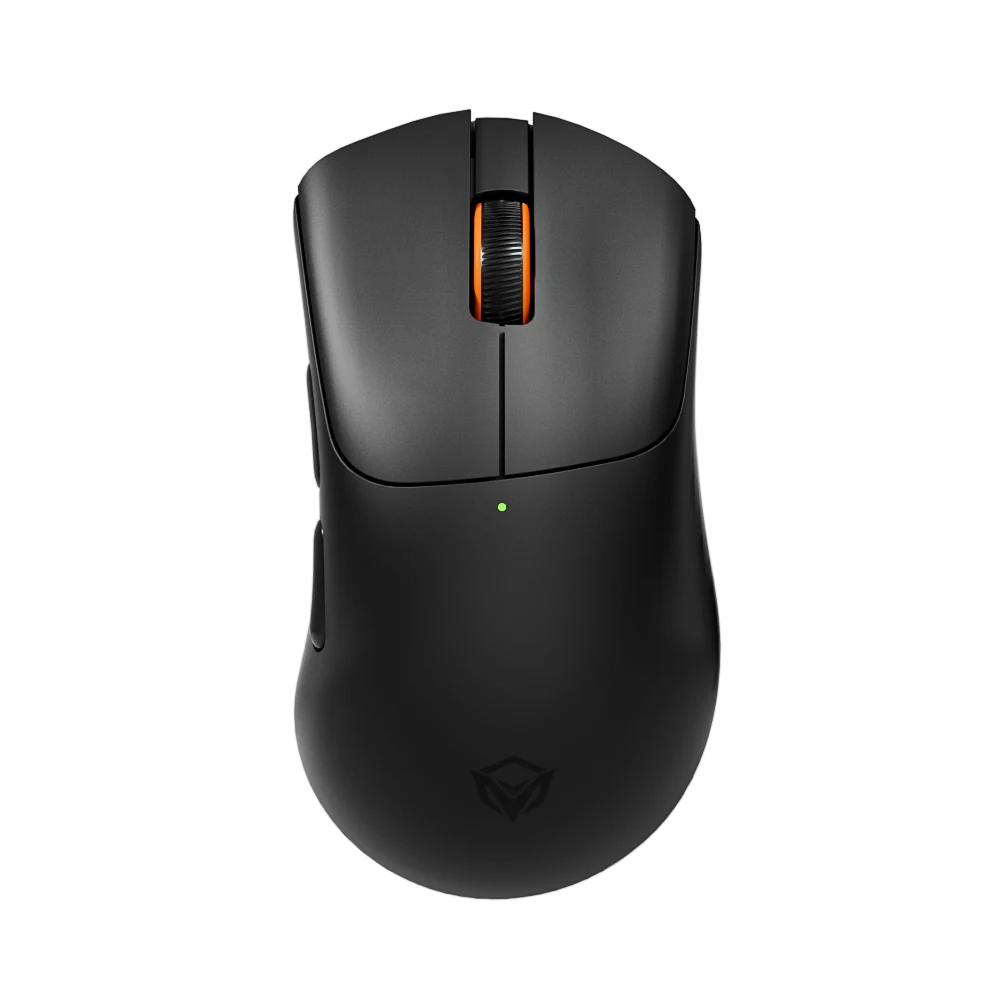
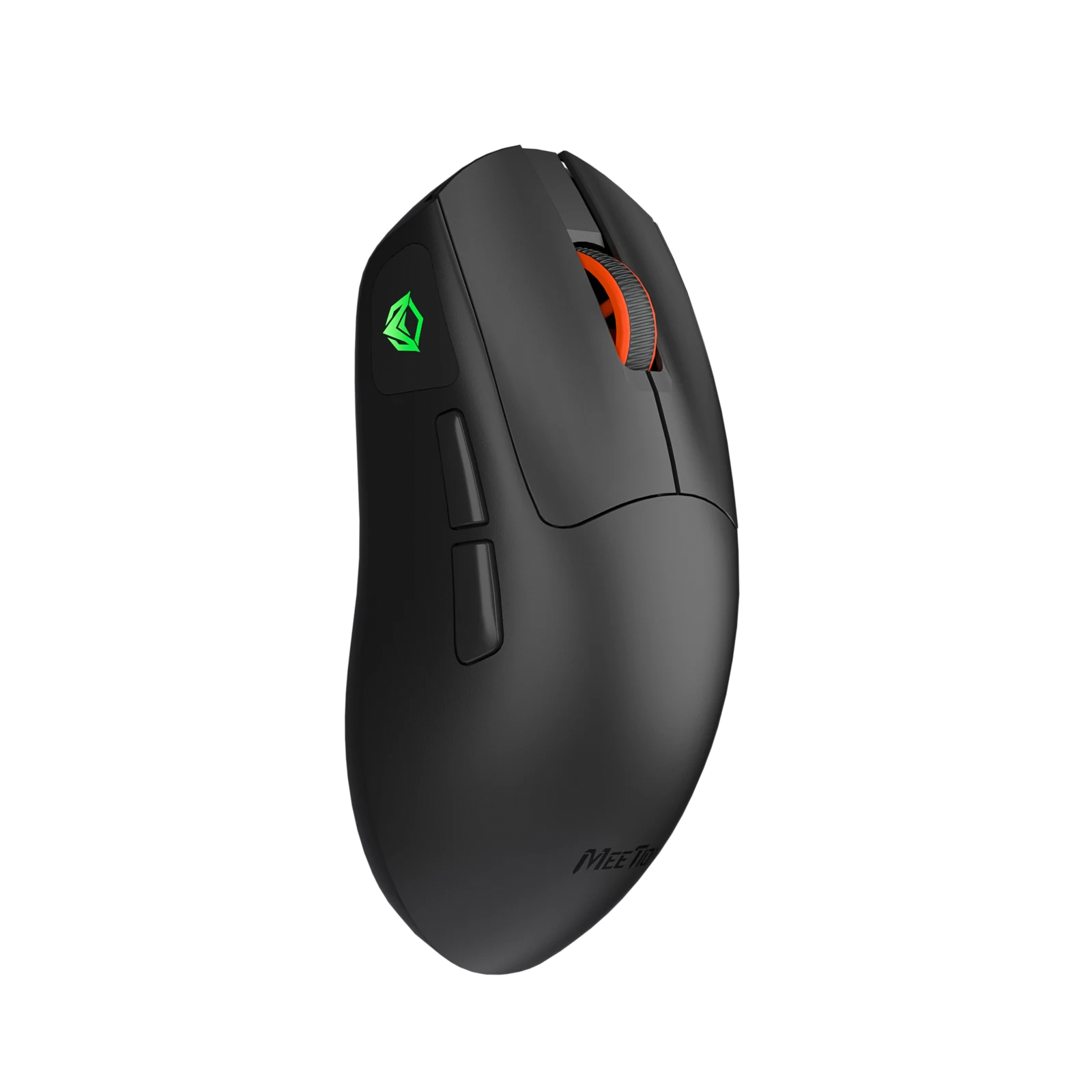
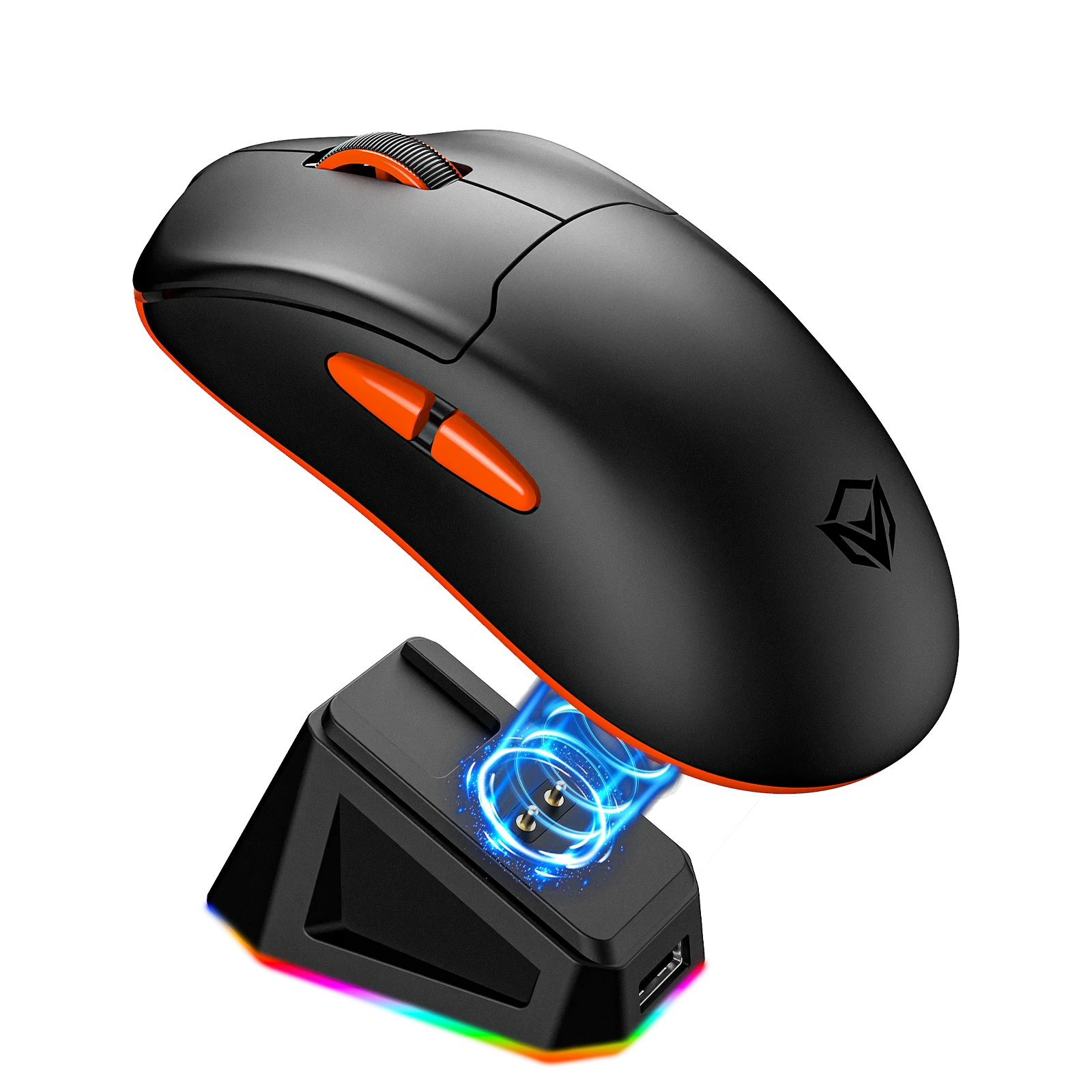
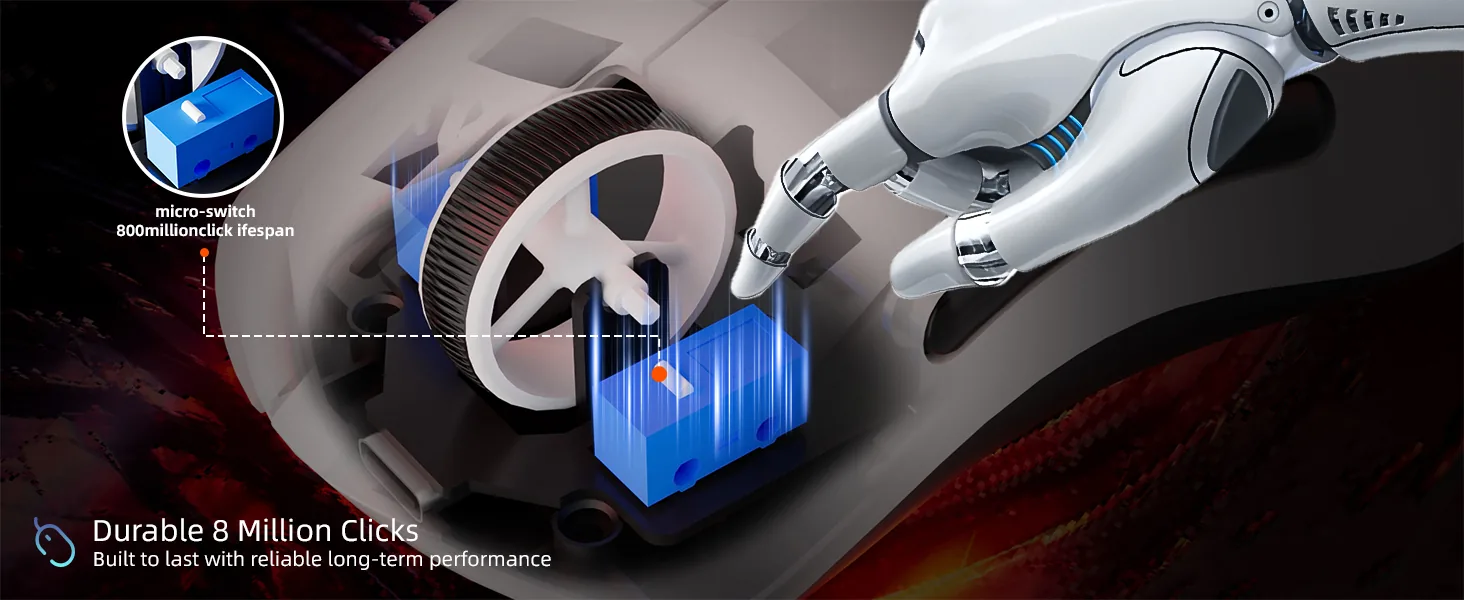
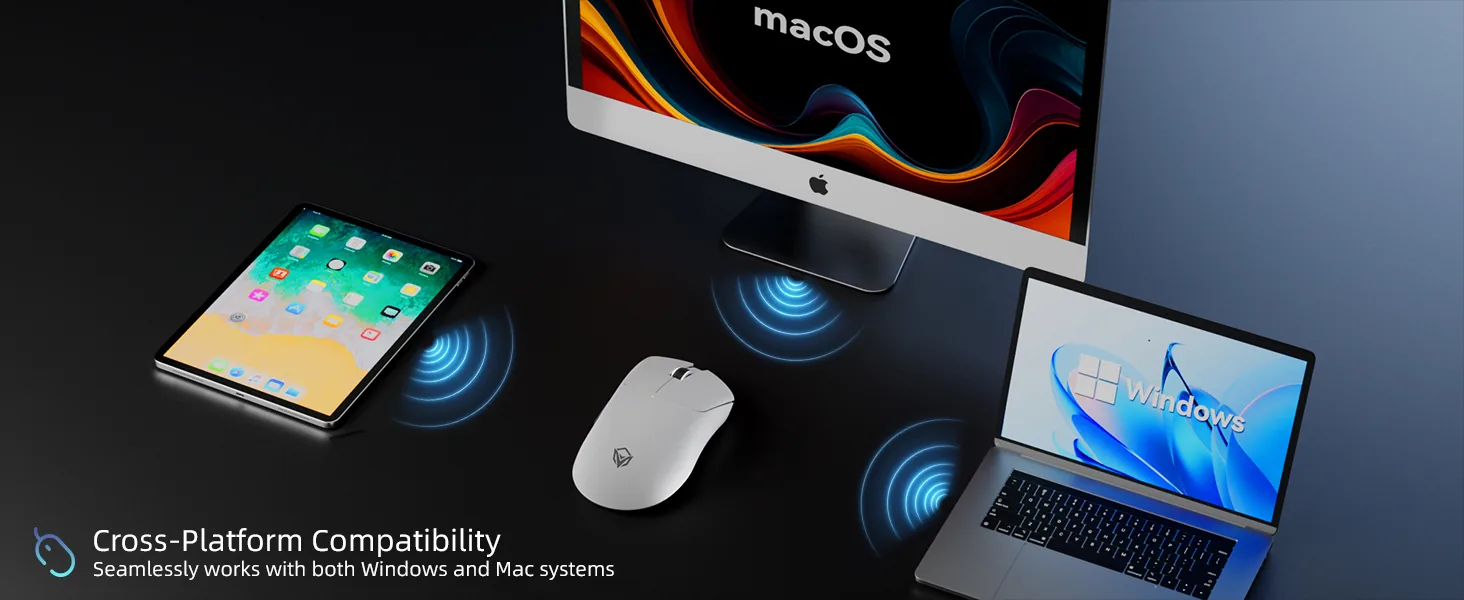
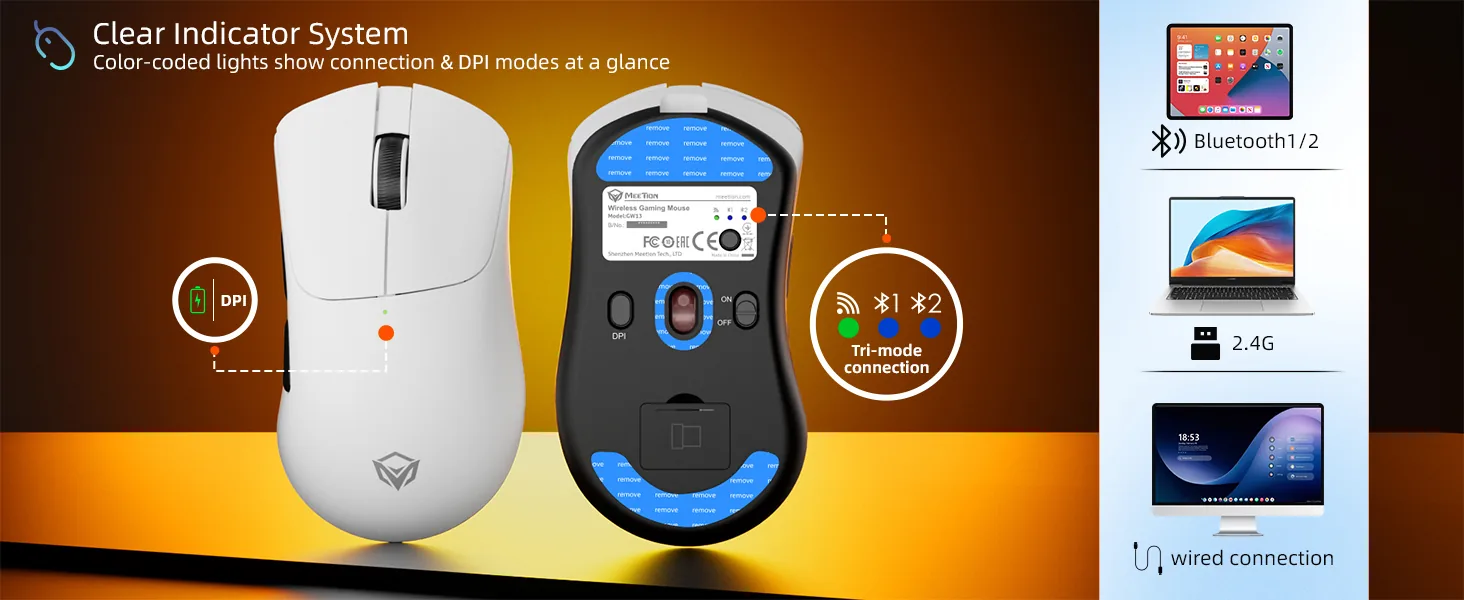
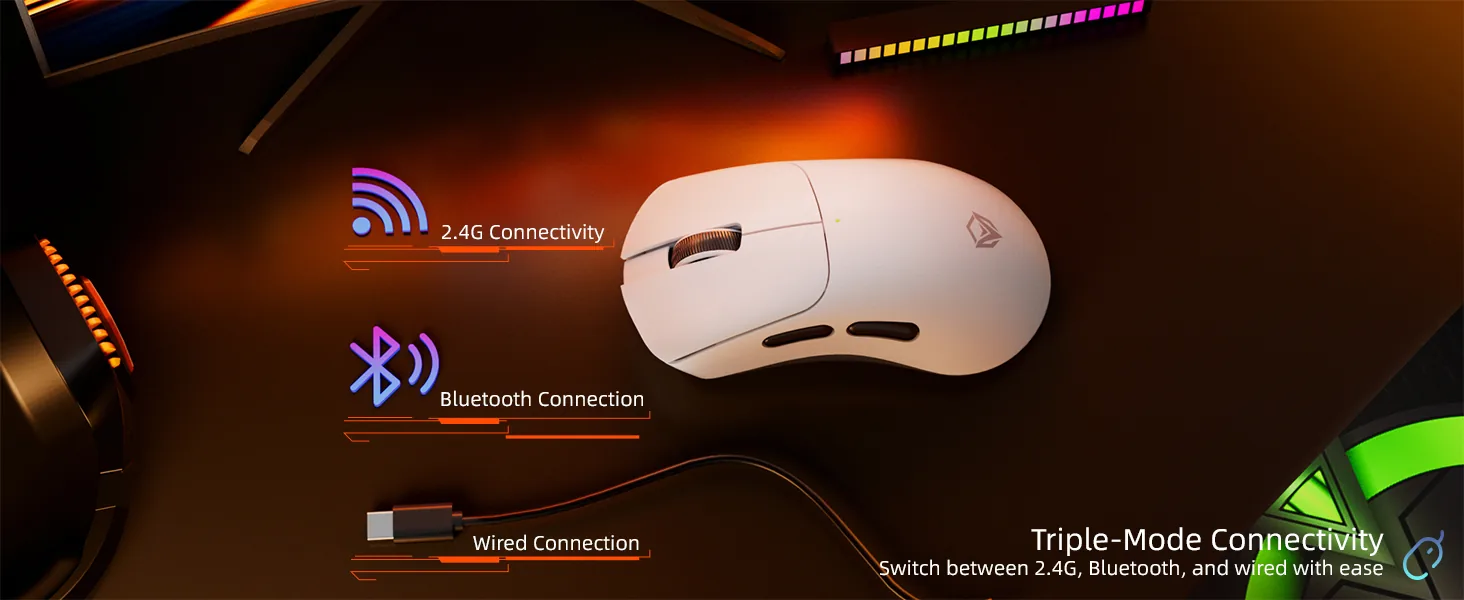
63g 경량 게이밍 마우스 2. 트라이 모드 연결: 2.4G + Bluetooth + 유선 3. 듀얼 시스템 호환: Windows / Mac 4. 500mAh 충전식 배터리, 2h 충전, 40h 배터리 사용 5. 조절 가능 DPI: 800–12800 6. 전문가용 1000Hz 폴링 레이트 7. 소프트웨어 사용자 설정 지원 8. 신뢰할 수 있는 800만 회 클릭 스위치 수명 9. 손바닥에 편안하게 맞는 인체공학 디자인
색상: Black
재고 있음
Windows XP/7/8/10/11, Vista, macOS와 호환됩니다.
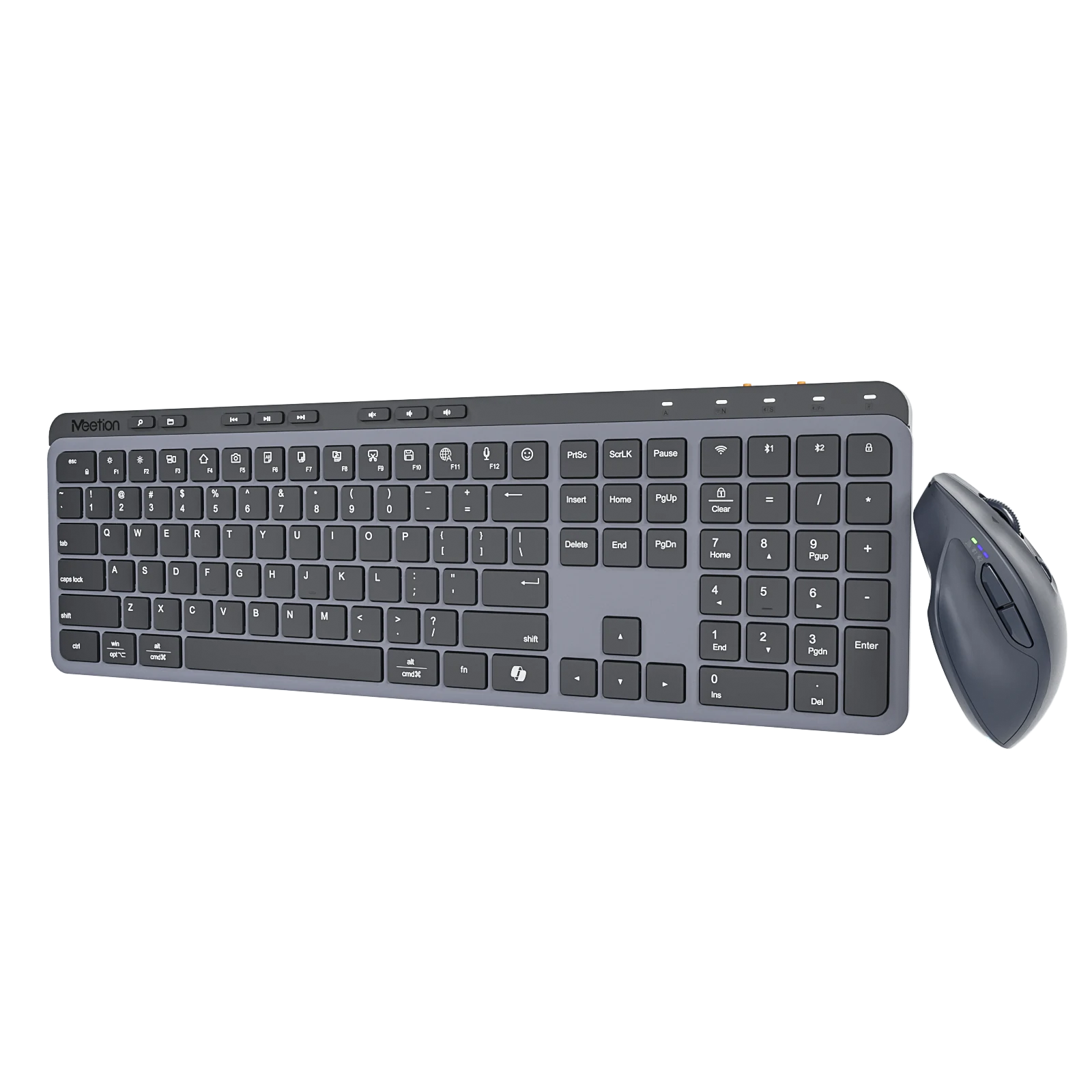
키보드 키는 저소음으로 설계되었습니다. 조용한 사무실, 도서관에서의 공부, 늦은 밤의 작업 등 어떤 상황에서도 쾌적한 타이핑 환경을 제공합니다.
새로운 세대의 저전력 에너지 절약 기술로 더욱 에너지를 절약하고 환경 보호에도 도움이 됩니다.
800~12800의 높은 DPI. 작고 휴대하기 쉬워 핸드백이나 주머니 등에 간편하게 넣을 수 있습니다.
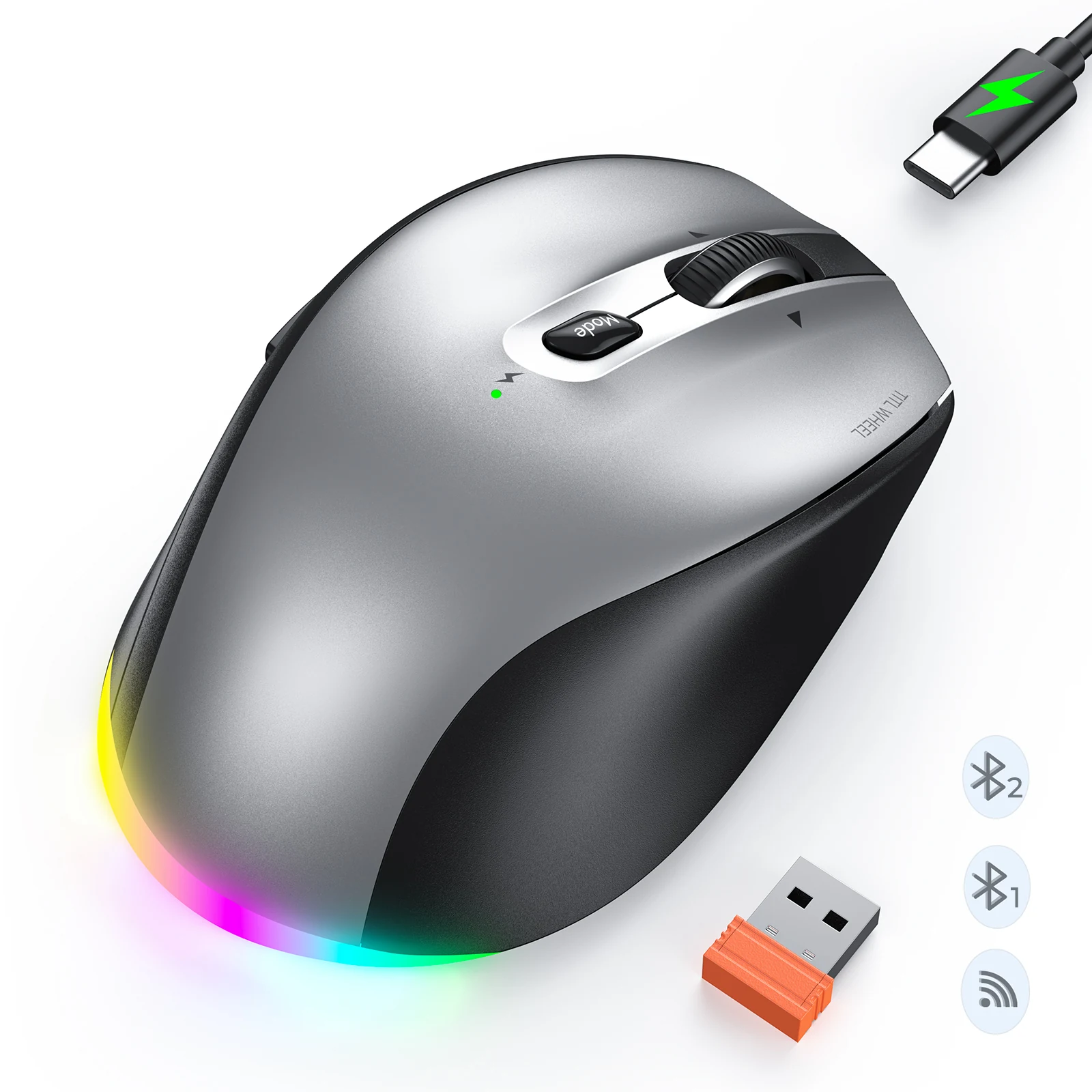
사용 시간은 약 40h입니다. Type-C를 통한 고속 충전을 지원하며 충전 시간은 약 2h입니다.
스마트폰, 태블릿, 노트북 등 스마트 기기에 연결할 수 있으며 10미터 이내에서 안정적인 연결이 가능합니다.
리뷰 6개 기준
전체 6개 중 1–6개 표시
It is narrow enough that I can sweep across a large pad without hitting the keyboard. On a 90-centimetre desk that extra room changes how I play.
I set my sensitivity and button layout on my home machine, then took the mouse to a LAN event and everything carried over. No software install, no account.
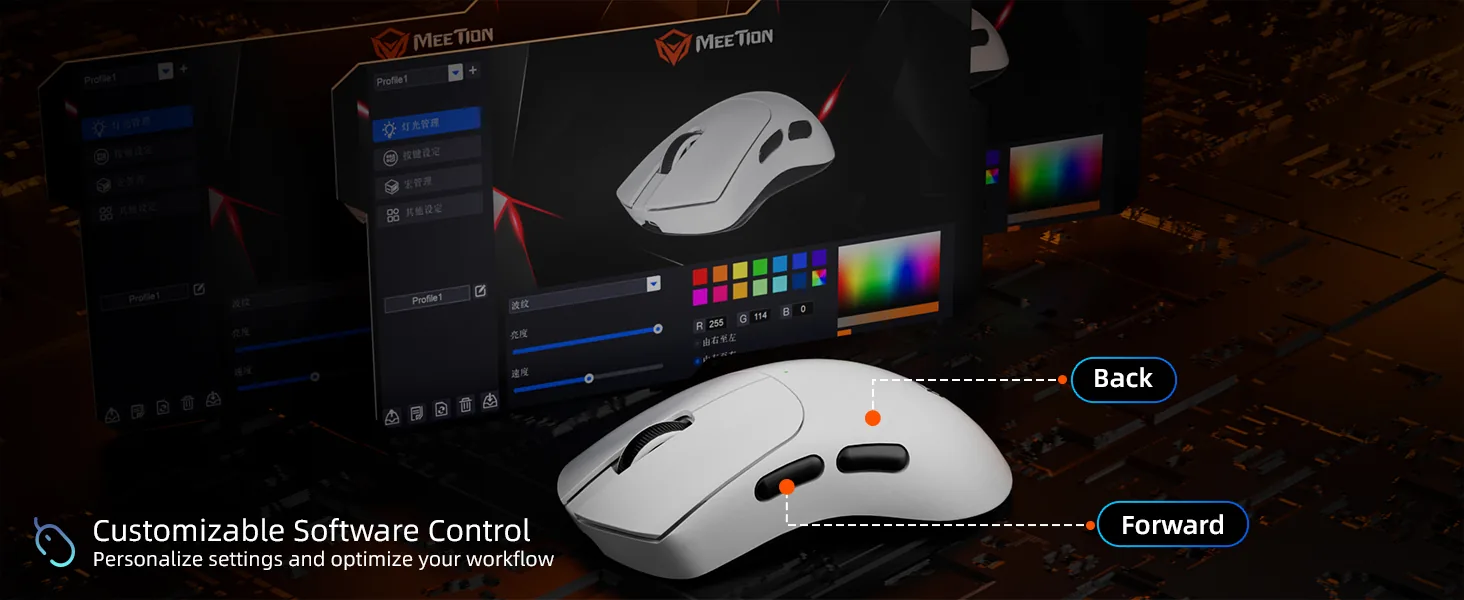
You can set sensitivity stages and remap buttons, and that is about it. It does the job without installing a background service, though the interface feels dated.
I bought it as a backup and ended up using it in matches. The shape, weight and click feel are close enough that switching between them does not cost me a warm-up.
On a hard plastic pad the glide is fast and predictable. Directly on the wooden desk the feet are noisy and the tracking is less confident, so a pad is essential.
I assigned two macros to the side buttons and never hit them by accident during a fight. The buttons are recessed just enough that a firm press is required.
리뷰는 구매 확인된 고객만 작성할 수 있습니다. 주문에 사용한 이메일로 로그인한 뒤 주문 페이지에서 작성해 주세요.
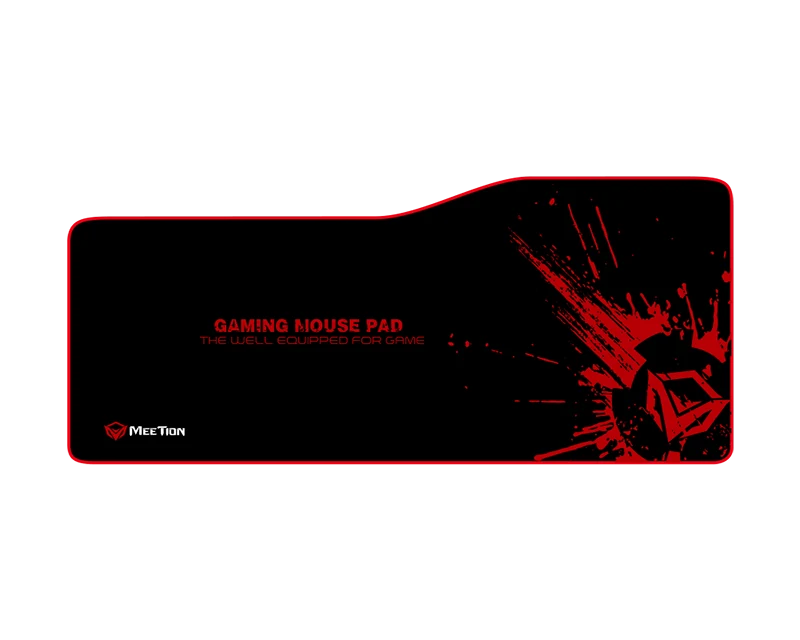
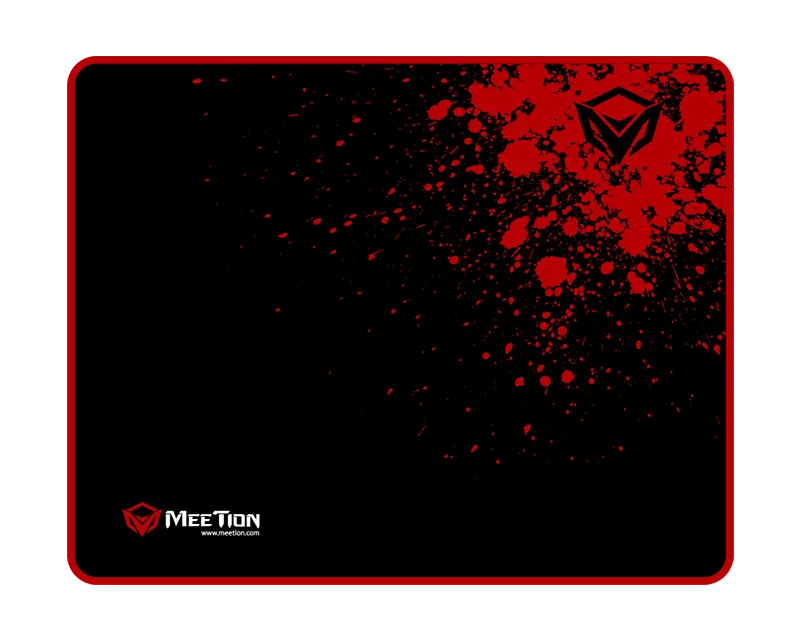
이 세트의 제품은 모두 같은 시리즈이며 함께 발송됩니다.
4개 — ₩72,000
It supports 800/1600/2400/3200/6400/12800 DPI.
It connects via USB Wired / 2.4 GHz Wireless / Bluetooth.
Battery life: 40H.
Download the GW13 Advanced Wireless Gaming Mouse user manual. The page lists the languages and file size.